Dental Office Systems London: What Modern Clinics Need
Running a dental practice in London comes with unique challenges, from managing NHS contracts and GDPR compliance to meeting high patient expectations. Modern dental office systems can simplify operations, reduce errors, and improve patient care. Here’s what every London dental clinic needs to know:
- Core Systems: A cloud-based practice management system (PMS), electronic patient records, NHS claims tracking, billing tools, and automated patient communication.
- Compliance: Ensure systems meet GDPR, CQC standards, and NHS Digital requirements for secure data handling and record retention.
- Billing: Unified tools for managing NHS and private billing reduce errors and streamline processes.
- Patient Retention: Automated reminders and recall tools can lower missed appointments by 20–30% and boost long-term loyalty.
- Cloud vs On-Premise: Cloud-based systems save space, reduce IT costs, and allow remote access, ideal for multi-site practices in a competitive city like London.
Choosing the right system and training your staff effectively can save time, minimise disruptions, and keep your practice running smoothly. Investing in well-integrated tools is key to staying competitive and meeting both operational and patient needs.
Core Systems Every London Dental Practice Needs
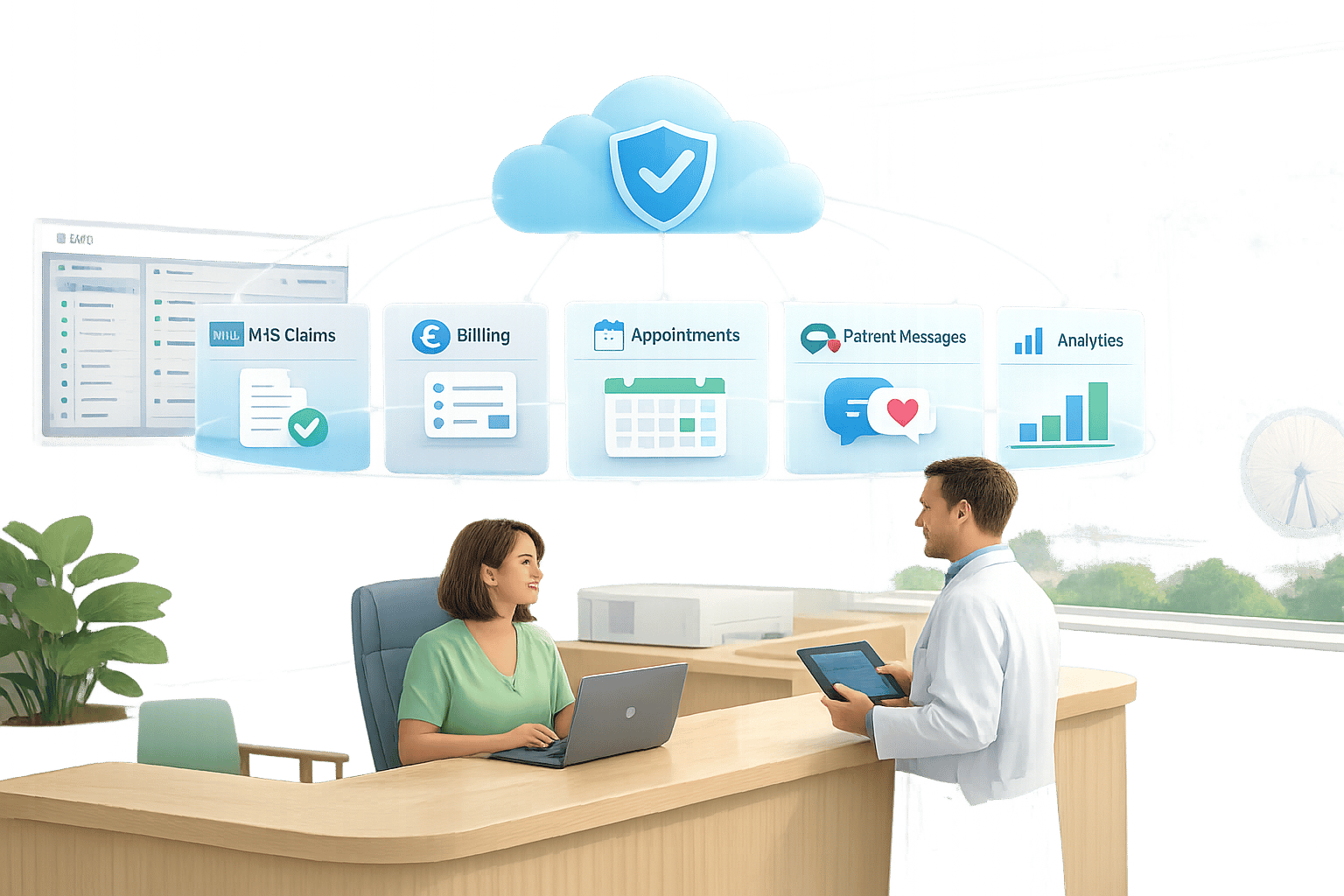
Without well-integrated systems, your dental team could spend more time untangling administrative tasks than delivering quality patient care. Most practices in London benefit from five key tools working in harmony: a practice management system (PMS), electronic patient records, NHS claims and UDA tracking, billing and payments, and patient communication tools. When these tools are combined within a single platform, data can flow seamlessly from booking to billing, eliminating duplicate entries. This streamlined approach not only reduces errors but also enhances the overall patient experience.
Practice Management and Patient Records
A cloud-based PMS forms the backbone of any efficient dental practice, allowing secure access to patient records from any location. For London practices operating across multiple sites, this accessibility is crucial.
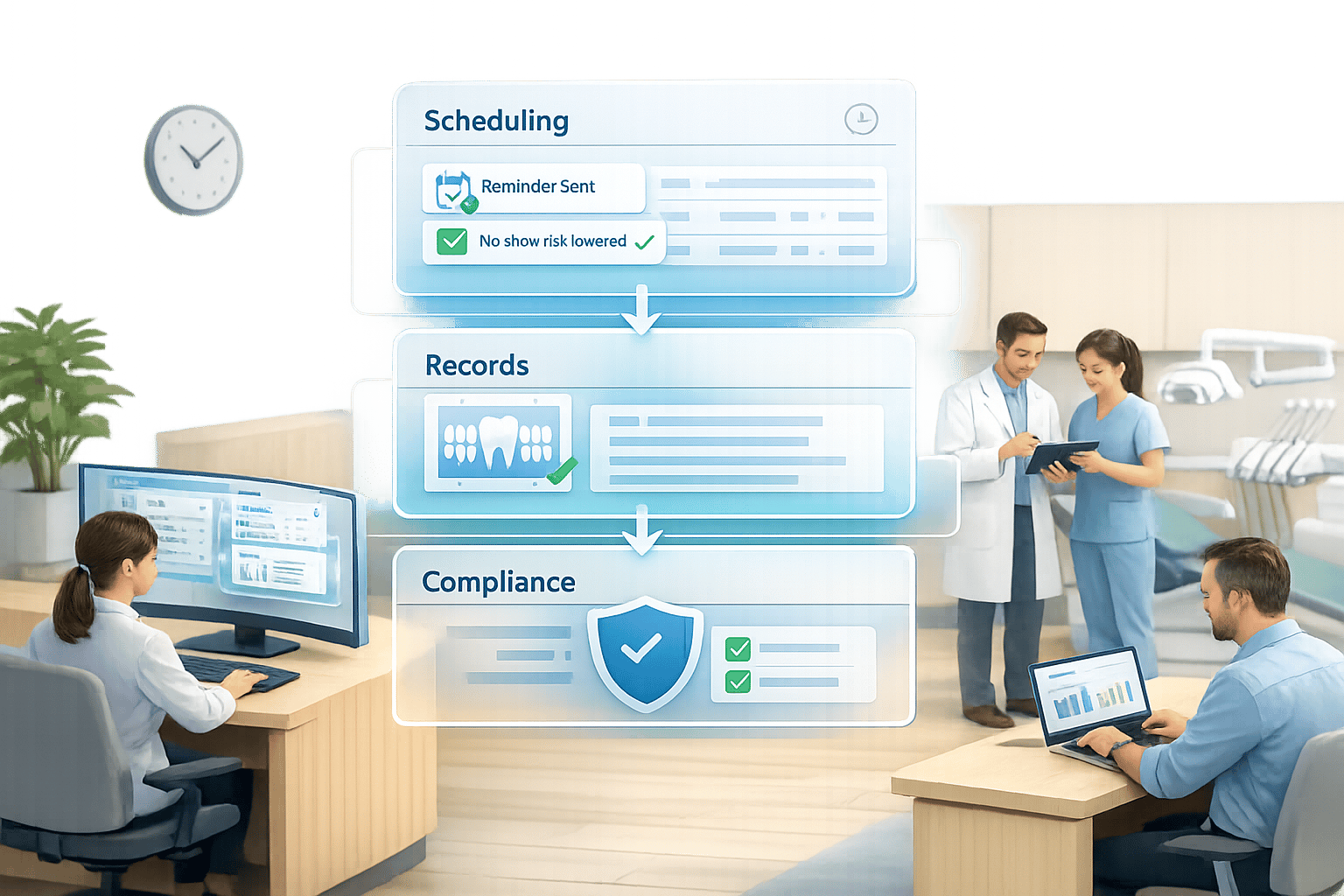
Key features to prioritise include structured clinical note templates, tooth charting, periodontal assessments, and treatment plans that link directly to billing codes. This integration ensures that billing is accurate and claims are processed faster. Every update to a patient record should include a time-stamp and clinician signature, meeting the audit trail standards expected by CQC inspectors and medico-legal teams.
A well-designed appointment book is another essential. Features like colour-coded appointment types, reserved emergency slots, and automated waitlists can make a big difference. Remedico’s Smart Calendar offers multi-clinician diary management with these functionalities, ensuring productivity even when last-minute cancellations arise. This seamless connection between patient data and billing processes keeps operations running smoothly.
Billing and NHS Claims Management
Handling NHS and private billing separately can often lead to mistakes. NHS billing requires accurate banding, automated FP17 submissions to NHS BSA, and real-time UDA tracking by performer and contract. The British Dental Association (BDA) highlights that poor UDA tracking can jeopardise NHS practice revenue. A dashboard showing contract progress each quarter can help avoid last-minute panic at year-end.
For private billing, practices need tools to manage custom fee schedules, itemised treatment estimates, packages, deposits, and payment integration with card terminals or online links. Mixed practices benefit from a unified system that combines both NHS and private billing streams, simplifying the workload for front desk staff.
Billing Type | Key Features Needed |
|---|---|
NHS | FP17 e-submissions, UDA tracking, banding, exemption handling, contract dashboards |
Private | Custom fee schedules, itemised estimates, deposits, payment integration |
Mixed | Unified system for NHS and private billing, consolidated reporting by clinician and site |
Patient Communication and Retention Tools
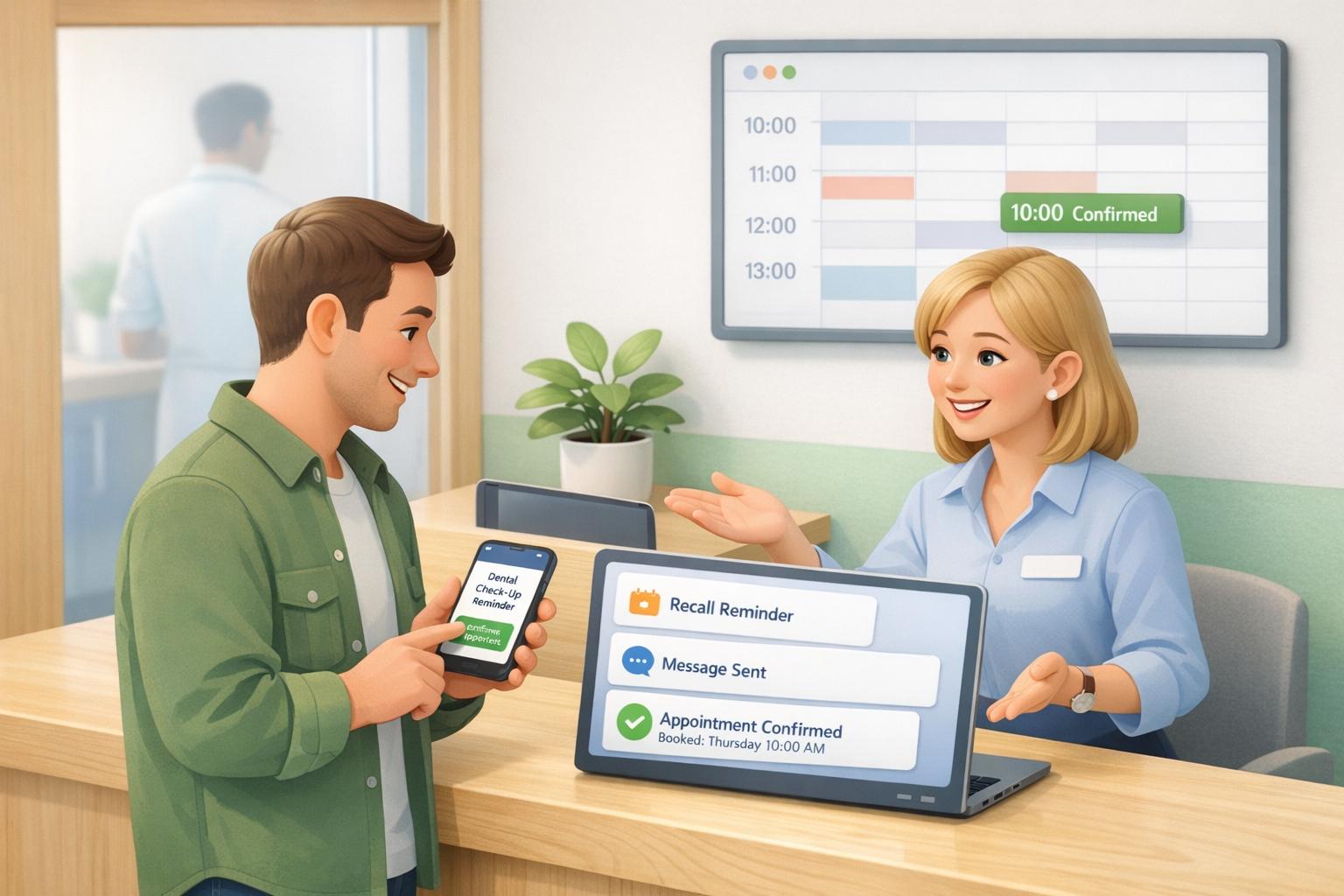
Beyond managing records and billing, effective communication tools are essential for a high-performing practice. Automated SMS reminders can reduce no-shows by 20–30% [2], while also supporting patient retention without adding to your team’s workload.
Retention is just as important as minimising no-shows. Keeping an existing patient costs between £15 and £40 annually, compared to the £160–£400 it can take to attract a new one [2]. Remedico’s Retention AI™ identifies patients at risk of becoming inactive by analysing attendance patterns and recall responses. It then sends timely messages to re-engage them - without requiring manual follow-ups from staff.
“A patient who is overdue for hygiene is not only a missed booking. They may also be drifting out of routine care, becoming less loyal to the practice, and more likely to book elsewhere.” - Silverstone AI Editorial Team [2]
For example, a Birmingham practice that implemented automated recall texts saw its retention rate increase from 68% to 82% over eight months, adding £84,000 in annual revenue [2]. In London, where competition is fierce and chair time is costly, integrating effective communication tools into your core systems can deliver measurable financial benefits.
How to Choose the Right Dental Office Systems
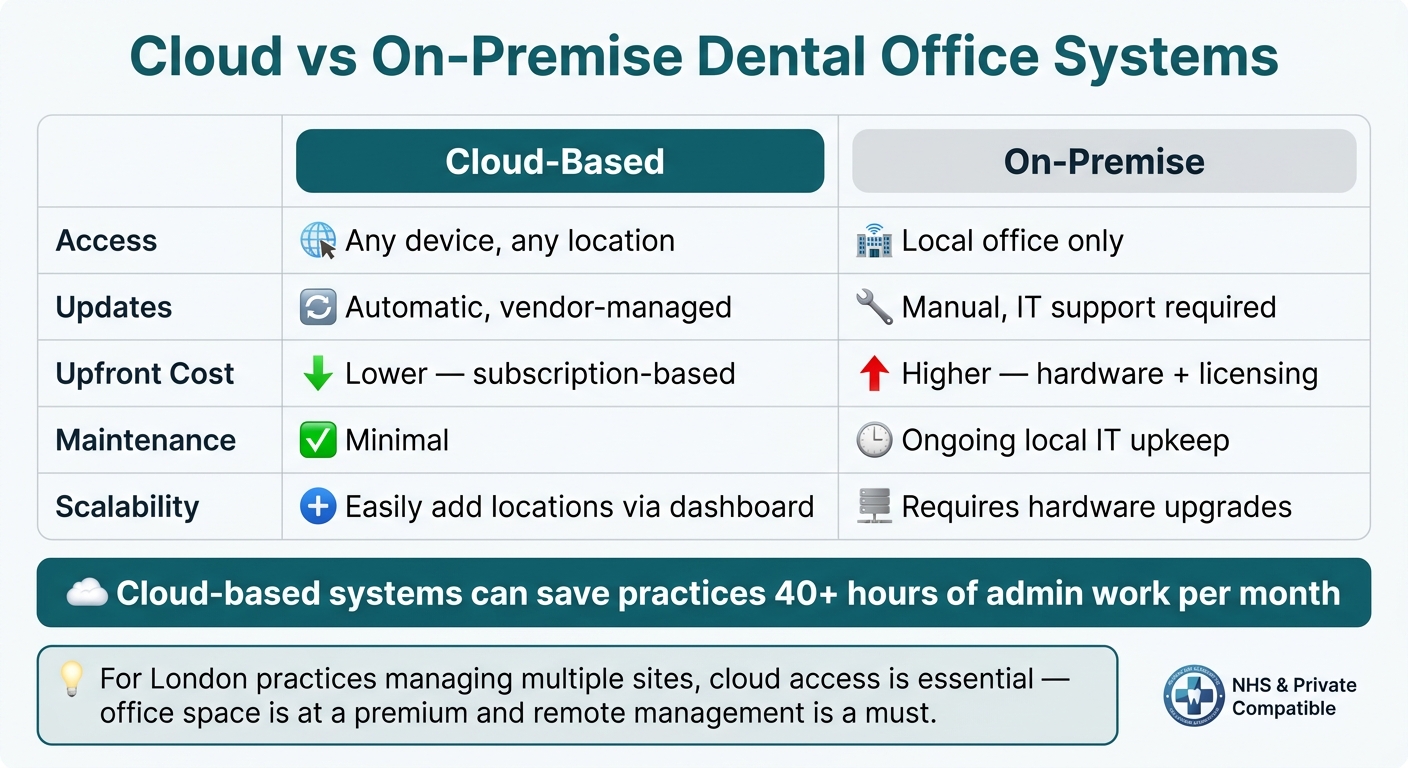
@figure {Cloud vs On-Premise Dental Software: Key Differences for London Practices} :::
Navigating the specific needs of dental practices in London means finding a system that aligns with strict compliance requirements and operational demands. Picking the wrong platform can lead to wasted resources, frustrated staff, and a loss of patient confidence. Before committing to any system, evaluate it using three key criteria: compliance, suitability for your practice type, and whether a cloud-based or on-premise solution fits your setup.
Checking Compliance and Data Security
In the UK, any dental office system must adhere to strict regulations. This includes GDPR compliance, CQC audit trail standards, and NHS Digital data requirements for practices with NHS contracts. Additionally, UK law requires patient records to be retained for at least 10 years [4]. Ensure the system supports this without incurring hidden storage costs.
Here are some essential questions to ask vendors:
- Where is the data hosted?
- Is data encrypted both in transit and at rest?
- Can you export your data at any time?
For instance, Remedico hosts data on AWS, uses encrypted backups, and guarantees full data ownership, allowing practices to export data without restrictions. Beyond vendor assurances, appoint an Information Governance Lead within your practice to oversee data handling and conduct regular audits [3][4]. Internal oversight is just as critical as external compliance.
Once compliance is sorted, the next step is to ensure the system complements your practice’s daily workflow.
Matching System Features to Your Practice Type
Every dental practice has its own operational needs, so the system you choose should cater specifically to your practice type.
Practice Type | Key System Requirements |
|---|---|
NHS-only | FP17 e-submissions, UDA tracking, banding, exemption handling |
Private/Mixed | AI-powered recalls, tracking for high-value treatments like implants or Invisalign |
Multi-site/DSO | Central reporting, shared clinical protocols, role-based access control [1] |
For example, a single-site private practice will benefit more from tools that enhance patient retention and treatment acceptance than from features designed for multi-branch operations. On the other hand, a dental group with multiple locations in London will need centralised reporting and role-based access controls to maintain consistent standards across sites [1]. The key is to match the system’s features to your actual operational needs, not a long wishlist of extras.
Cloud vs On-Premise Systems
After identifying the right features, consider whether a cloud-based or on-premise system is the better fit. For most London practices, cloud-based software is the more practical option. With office space in London at a premium, maintaining a dedicated server room is often an unnecessary expense. Cloud platforms also allow access to appointments, clinical notes, and NHS claims from any device, making them ideal for practices with multiple locations or remote management needs.
Feature | Cloud-Based | On-Premise |
|---|---|---|
Access | Any device, any location | Local office only |
Updates | Automatic, managed by the vendor | Manual, IT support required |
Upfront cost | Lower (subscription-based) | Higher (hardware + licensing) |
Maintenance | Minimal | Ongoing local IT upkeep |
Scalability | Easily add locations via a dashboard [1] | Requires hardware upgrades |
Cloud-based systems can save a typical practice over 40 hours of admin work each month [1], thanks to features like automated recalls, diary management, and NHS WebEDI claims. While on-premise systems might work for single-site practices with existing IT infrastructure, they often lack the flexibility needed for practices planning to expand.
How to Set Up and Train Staff on a New System
Rolling out a new dental office system requires careful attention to both data migration and staff training. When done right, it helps minimise disruptions and ensures your practice keeps running smoothly. In fact, many challenges in healthcare system implementations arise not from the software itself, but from poor preparation and insufficient training [7].
Planning Your Data Migration
Before transferring patient records, it’s crucial to review your current database. This includes standardising details like names, phone numbers, email addresses, and date formats. Clear out duplicates and ensure compliance with UK data retention laws. A phased testing approach - starting with a small sample - can help uncover formatting glitches or broken links before the full migration begins [5].
Remedico offers hands-on support during this process, so your team isn’t left to handle it alone. Dedicate two to four weeks for data cleaning and phased imports to ensure everything runs smoothly.
Once your data is clean and ready, the next step is preparing your team to use the system effectively in their day-to-day tasks.
Training Staff for Daily Use
After completing the data migration, the focus shifts to equipping your staff with the skills they need. Tailoring training to specific roles can make a big difference. Research shows that role-specific training can help staff perform daily tasks 30–50% faster compared to general system overviews [6]. That’s a major time-saver for a busy practice in London.
Here’s how to approach training by role:
- Receptionists: Concentrate on booking, rescheduling, sending reminders, and managing payments.
- Dentists and hygienists: Provide hands-on sessions for clinical charting and treatment planning.
- Practice managers: Cover NHS claims, recalls, and compliance reporting.
Make use of tools like Remedico’s Smart Calendar, which simplifies daily scheduling, and RemedicoGPT™, which automates tasks like report generation and form completion to cut down on administrative work.
Plan for follow-up refresher sessions two to four weeks after launch, and again three to six months later [6]. These sessions are important as real-world use often reveals new challenges. Collect staff feedback to fine-tune permissions, templates, and shortcuts before inefficient habits take root [7].
Key Takeaways: Running a Modern Dental Practice in London
Ensuring compliance and maintaining accurate documentation are critical for providing safe and efficient care. Relying on outdated methods like spreadsheets or paper records can lead to data breaches and issues with the Care Quality Commission (CQC). The Information Commissioner has highlighted numerous breaches involving lost paper records and insecure storage. Additionally, CQC ratings that “require improvement” often point to poor recall systems and missing safeguarding documentation as key issues.
Beyond compliance, modern dental software can streamline your practice’s operations by integrating everything from appointments and clinical notes to billing and patient communication into a single platform. This is especially relevant in London, where many practices manage both NHS and private patients, associates often work across multiple locations, and patients increasingly expect the convenience of rebooking via their phones rather than waiting on hold.
The benefits of automation are clear. Features like automated reminders and online booking have been shown to reduce missed appointments by 20–30%. Faster NHS claims processing helps minimise the risk of NHS Business Services Authority (NHSBSA) clawbacks, while digital intake forms can save up to 9–10 hours of manual data entry each month. This allows your reception team to dedicate more time to patient care. However, achieving these benefits requires careful system setup and configuration.
To maximise performance, it’s essential to clean your data before migration, ensure all staff receive proper training, and review key metrics - such as Did Not Attend (DNA) rates and billing turnaround - four to six weeks after launching the system.
For UK practices, selecting the right software is crucial. Remedico offers an all-in-one solution tailored for this purpose. Its features include:
- Patient Flow™: Tracks patients from their first booking through to follow-up appointments.
- Smart Calendar: Efficiently manages chair time and prevents double-bookings.
- RemedicoGPT™: Automates documentation by drafting clinical notes.
- Retention AI™: Handles recalls and reminders without manual effort.
The platform also includes migration support, onboarding, and training, ensuring your team can transition smoothly without disrupting daily operations.
“Retaining existing patients delivers five times more profit than acquiring new ones. Full stop.” - Dominate Dental [2]
FAQs
Will switching systems disrupt my clinic?
Switching dental office systems in London can feel like a daunting task, but with proper planning, the process can run much more smoothly. Start by examining your current workflows to identify what needs improvement, and take the time to clean up your data to avoid carrying over unnecessary or outdated information. Before fully committing, test the new system to ensure it meets your needs.
Dedicate about 1–2 weeks to the migration process, which should include staff training and system setup. Opting for a user-friendly platform, such as a cloud-based system, can make the transition easier. These platforms often reduce downtime and give you complete control over your data, making them a practical choice for dental practices. :::
How do I move my patient records safely?
When transferring patient records securely, start by exporting essential data, such as patient histories, appointment schedules, and treatment notes, in formats like CSV or Excel. Carefully align the data fields with the structure of the new system to avoid mismatches. Conduct a test migration to check for any errors or discrepancies.
Before making the final switch, create a complete backup of all records, including larger files like X-rays, to ensure nothing is lost. Additionally, confirm that the new system supports standard data export formats. This not only ensures future flexibility but also helps in complying with GDPR requirements for data protection and control. :::
What should I ask a software vendor?
When assessing dental office systems in London, it’s important to focus on features that align with your practice’s needs and adhere to UK-specific regulations. Make sure the software supports GDPR, CQC, and NHS compliance, offers secure cloud storage, and provides assistance with data migration. Look for essential practice management tools, such as scheduling, billing, and patient communication capabilities. Additionally, check if the provider includes training and ongoing support to ensure a seamless transition and effective staff onboarding. :::