Dental Software List: Types, Programs, and CAD/CAM Systems Explained
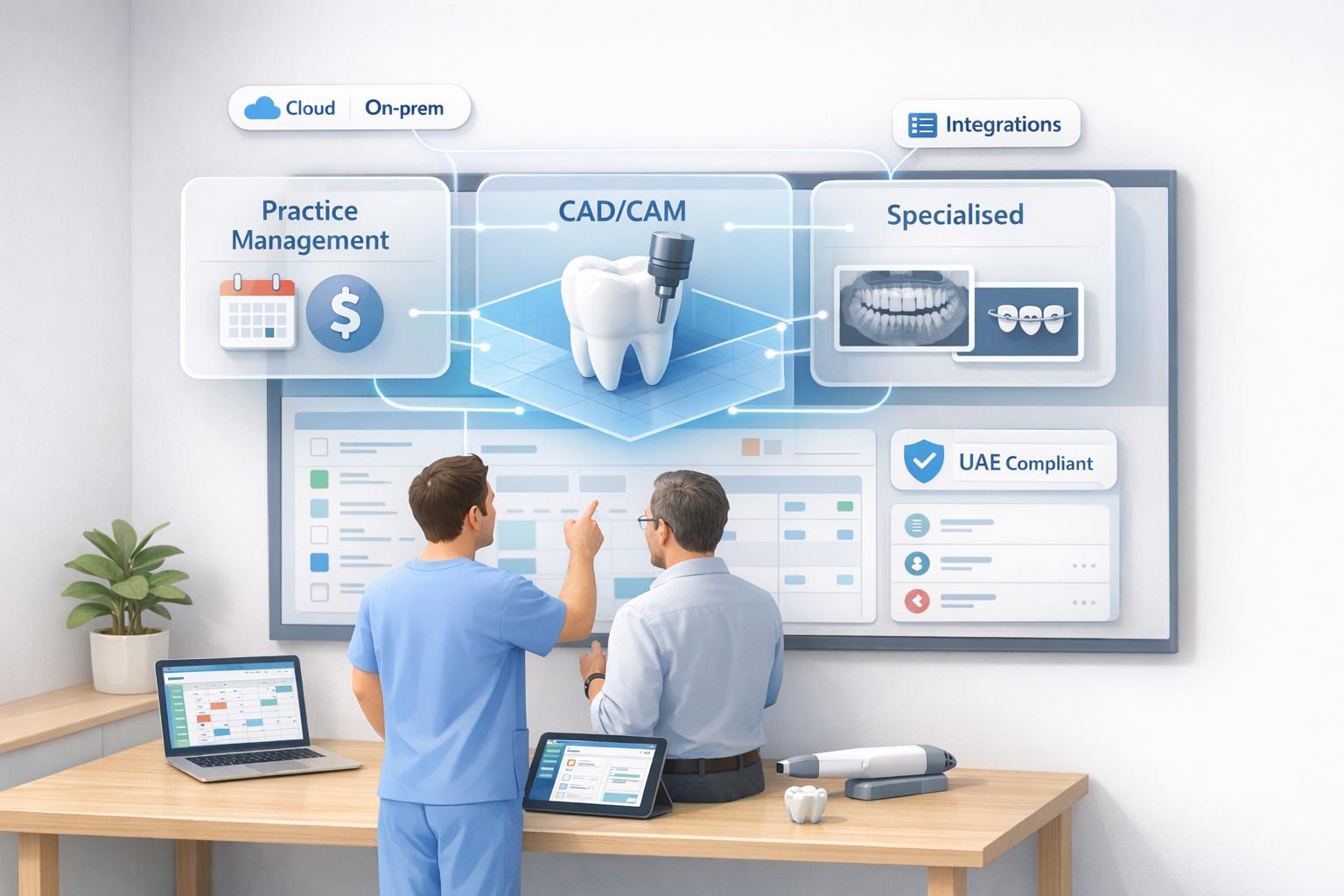
Managing a dental clinic is complex, but the right software can simplify operations, improve patient care, and ensure compliance with UAE regulations like NABIDH and Riayati. This guide breaks down the top dental software options, covering practice management systems, CAD/CAM tools, and specialised programs.
Key Highlights:
- Practice Management Systems: Tools like Dentrix, Remedico, and Curve Dental handle scheduling, billing, and patient records.
- CAD/CAM Systems: Exocad, CEREC, and 3Shape streamline digital impressions, treatment planning, and same-day restorations.
- Specialised Software: Platforms like coDiagnostiX and Overjet cater to implant planning, orthodontics, and AI-driven diagnostics.
- Cloud vs. On-Premise: Cloud-based systems (e.g., CareStack, tab32) offer flexibility, while on-premise options (e.g., Eaglesoft, Open Dental) provide local data control.
Quick Tips:
- Match software to your clinic size and specialty.
- Ensure compliance with UAE regulations.
- Consider integration with existing tools like CBCT scanners or billing systems.
- Plan for training, data migration, and total ownership costs.
Choosing the right dental software can reduce admin work, enhance patient trust, and align your clinic with modern digital workflows.
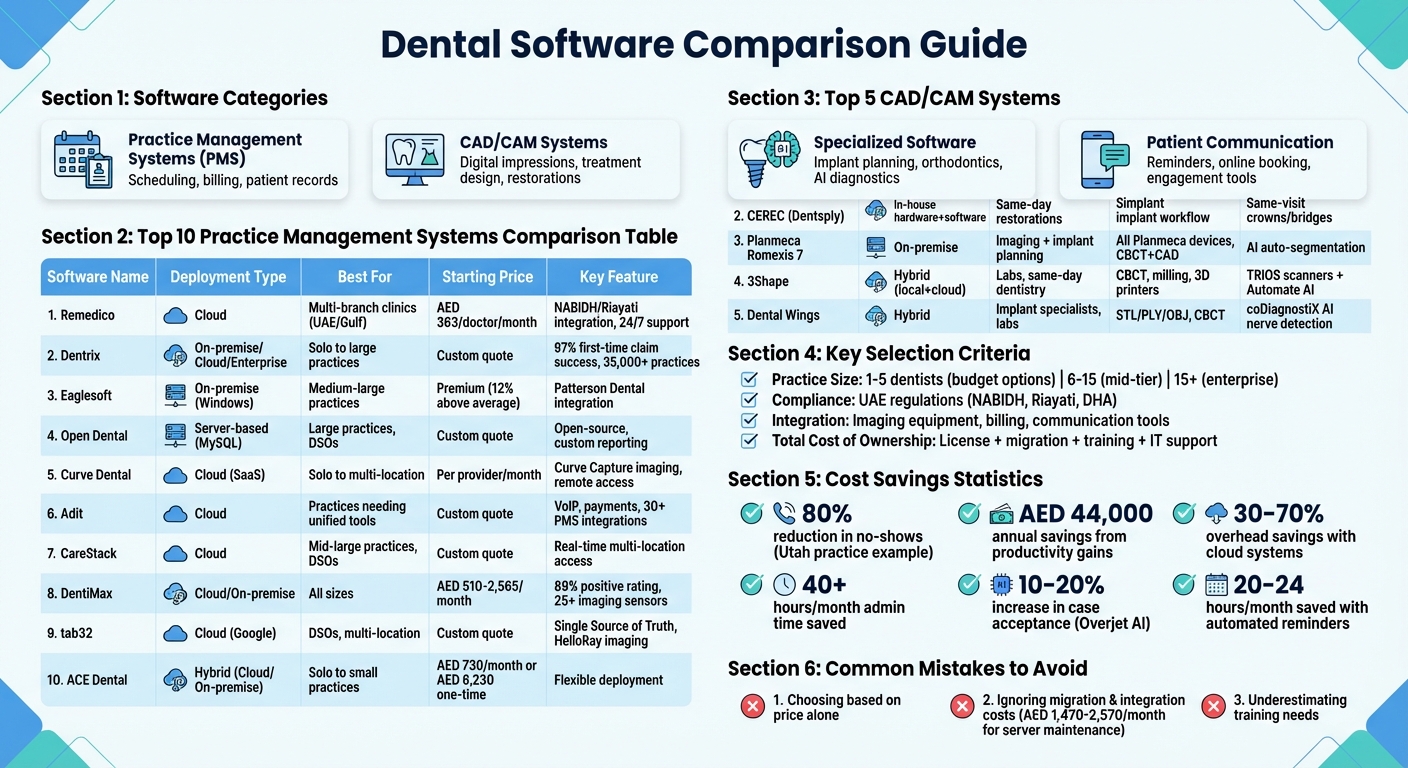
@figure {Dental Software Comparison: Features, Pricing, and Best Use Cases} :::
Top 10 Best Dental Practice Management Systems in 2025
What Is a Dental Software List and Why It Matters for Clinics
A dental software list is essentially a collection of tools designed to handle both administrative tasks - like scheduling and billing - and clinical processes, such as CAD/CAM design and 3D imaging [4][7]. Having a well-curated list helps clinics find solutions that streamline operations while improving patient care. It also supports clinics in meeting compliance requirements and enhancing communication with patients.
For clinics in the UAE and across the MENA region, compliance, such as Riayati for Northern Emirates clinics, is a major factor. These tools must include features like encryption and secure access to adhere to regulations such as NABIDH requirements in Dubai [8]. Falling short on these safeguards can result in hefty fines and a loss of patient trust.
Modern software doesn’t just make operations smoother - it also transforms patient communication. Digital tools allow clinics to present treatment plans visually, making the process more transparent and easier for patients to understand. As Dr. Naren Rajan, a 3Shape TRIOS user, shared:
“Incorporating digital scanning… it became a way to show patients what was happening… this created transparency… and I believe that leads to trust” [6].
Recognising these advantages paves the way for exploring individual software solutions in greater detail.
Different Types of Dental Software Programs and Their Uses
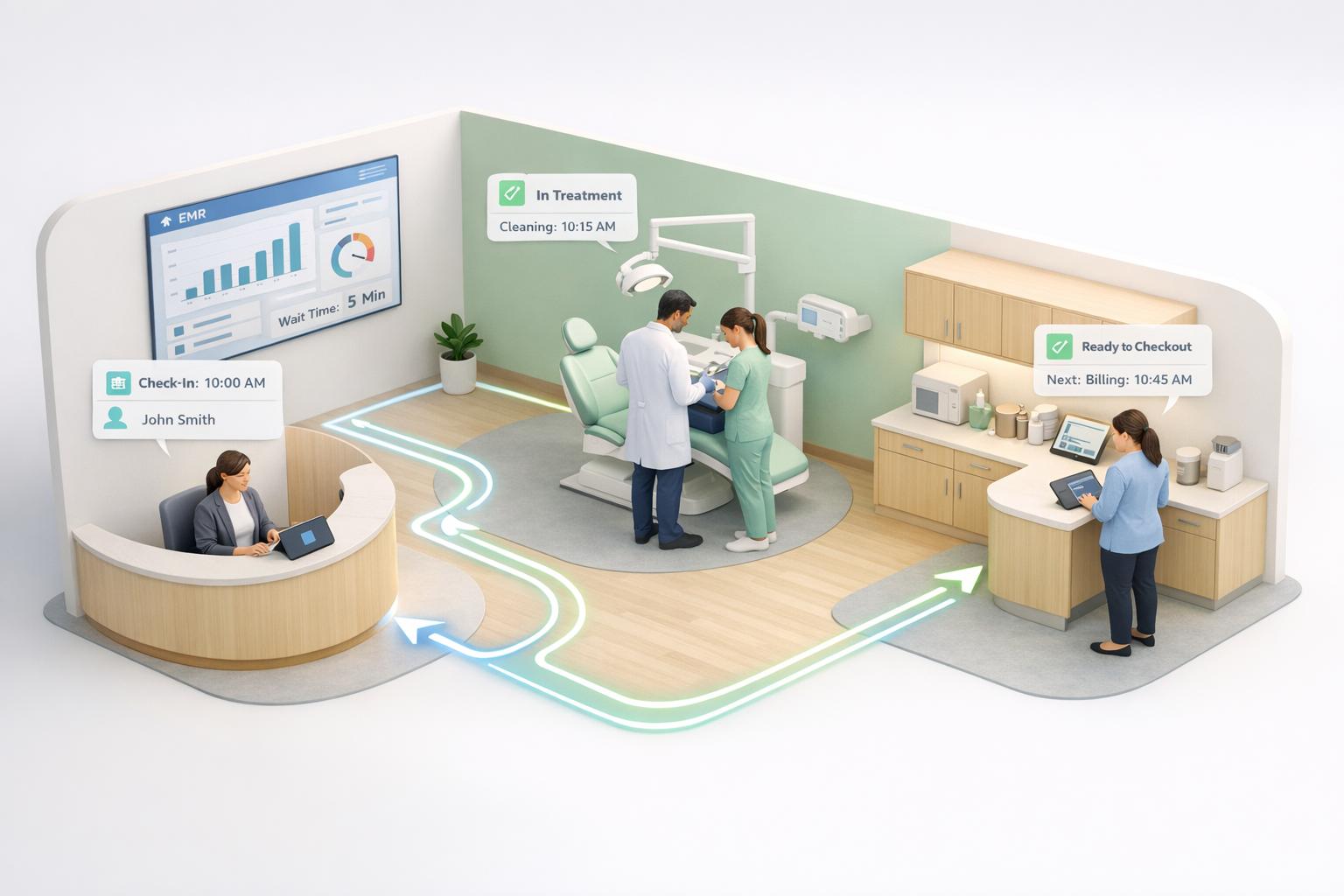
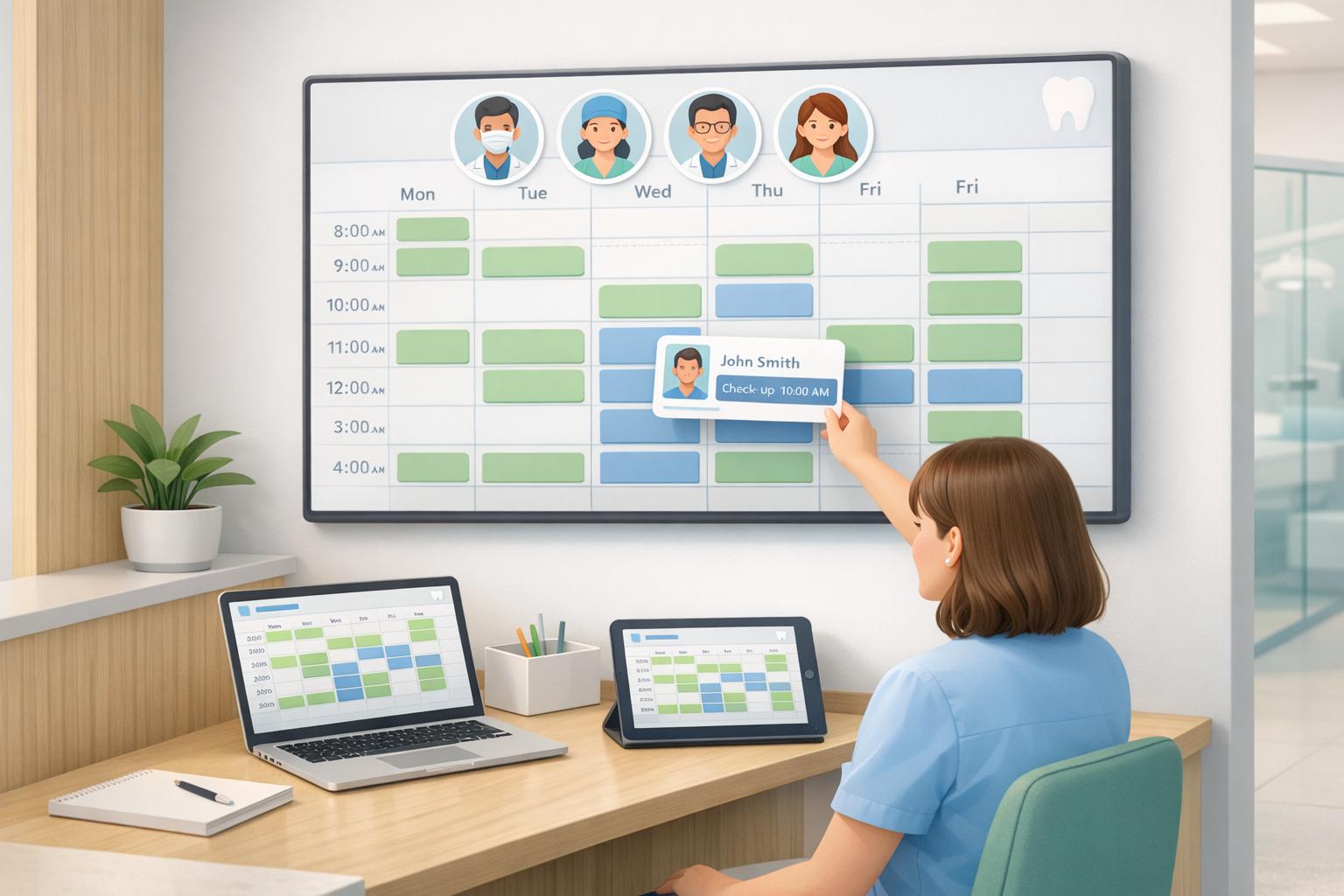
Dental software comes in various forms, each tailored to handle specific aspects of a clinic’s operations. Practice Management Systems focus on administrative tasks like scheduling, billing, maintaining patient records, and processing insurance claims. These tools ensure that the front desk operates smoothly without requiring constant manual intervention. Popular examples include Dentrix, Eaglesoft, and Open Dental, which are widely adopted in clinics both in the United States and around the world [4].
Clinical Software plays a key role in treatment planning and diagnostic imaging. These tools help practitioners analyse diagnostic data and develop tailored treatment plans, operating separately from the design-and-manufacturing workflows discussed later.
For improving patient engagement and reducing missed appointments, Patient Communication Tools are invaluable. Platforms like Weave integrate VoIP phone systems with patient records, enabling staff to instantly access caller details [9]. NexHealth offers real-time online booking that syncs directly with practice management systems, removing the need for manual data entry [10]. Additionally, Overjet leverages AI to overlay colour-coded visuals on X-rays, making it easier for patients to understand conditions like decay or bone loss. Clinics using Overjet have reported a 10% to 20% increase in case acceptance rates [11].
On the technical side, clinics often rely on CAD/CAM Systems, which merge design and manufacturing into a seamless workflow. These systems use CBCT scans and intraoral scanners to create precise 3D models. Computer-guided surgeries supported by this technology have shown improved implant survival rates compared to surgeries without guided assistance [4]. Advanced systems like Planmeca Romexis 7 and 3Shape Automate now incorporate AI for tasks such as automated tooth numbering and crown design proposals [6].
Specialised Programs address niche requirements within dental practices. Implant planning software like coDiagnostiX, Simplant, and RealGUIDE assists oral surgeons in designing surgical guides for precise implant placement [6]. Orthodontic tools such as ArchForm and Autolign allow for the simulation of tooth movement in aligner therapy. ArchForm, for example, claims its software can cut aligner costs by over 50% by enabling in-office production [6]. Diagnostic platforms like Planmeca Romexis and OnDemand3D handle both 2D and 3D X-rays, with AI-assisted features for analysing CBCT data [6].
1. Remedico
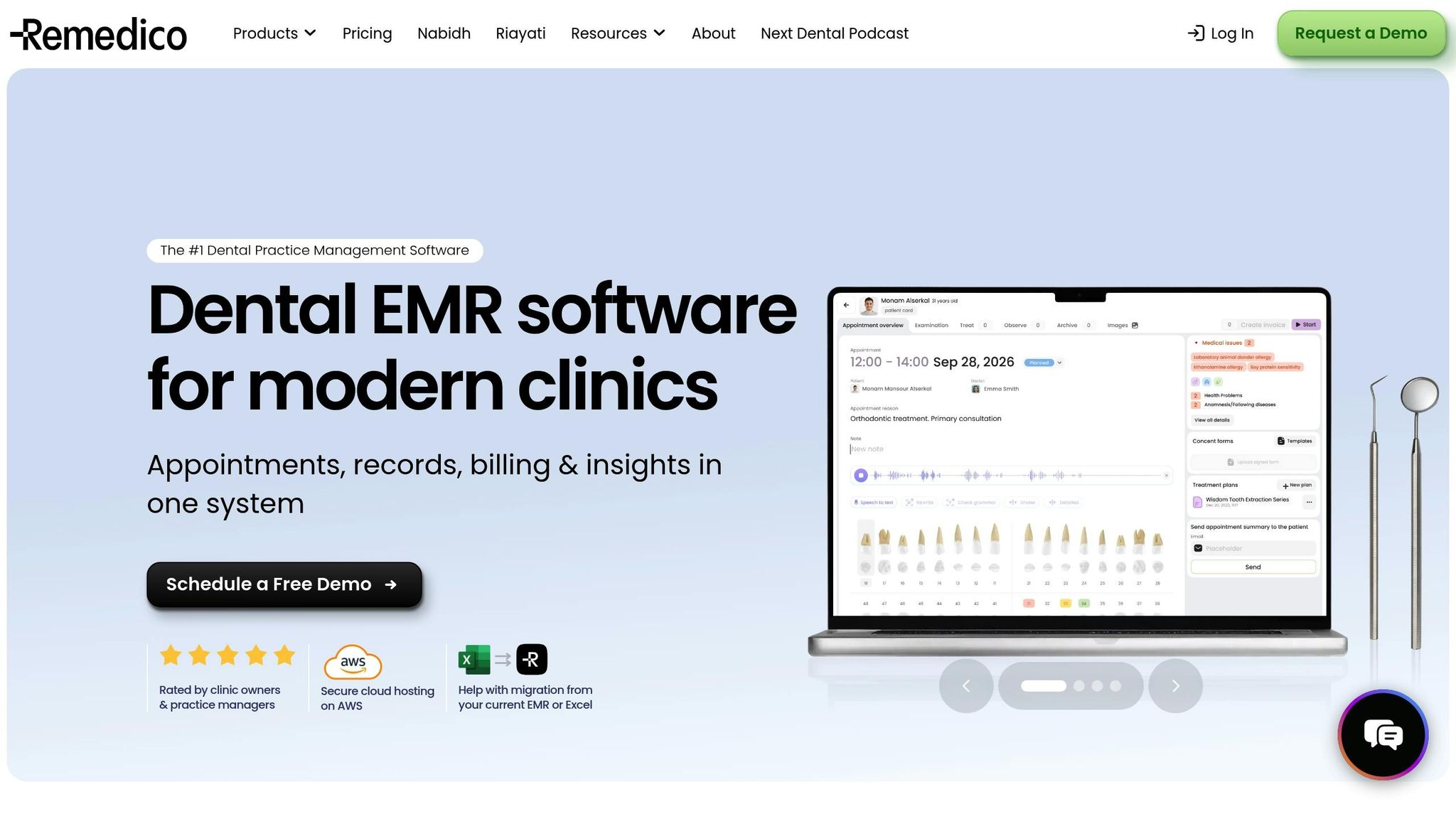
For dental practices looking to streamline patient management and operational workflows, Remedico offers a solution that ticks many boxes. Launched in August 2023, this all-in-one platform combines Electronic Medical Records (EMR) and Practice Management System (PMS) functionalities into a single, user-friendly interface [1][2][3].
Deployment Type
Remedico runs entirely on the cloud, enabling staff to access patient records, schedules, and other critical information from virtually any device.
Best Suited For
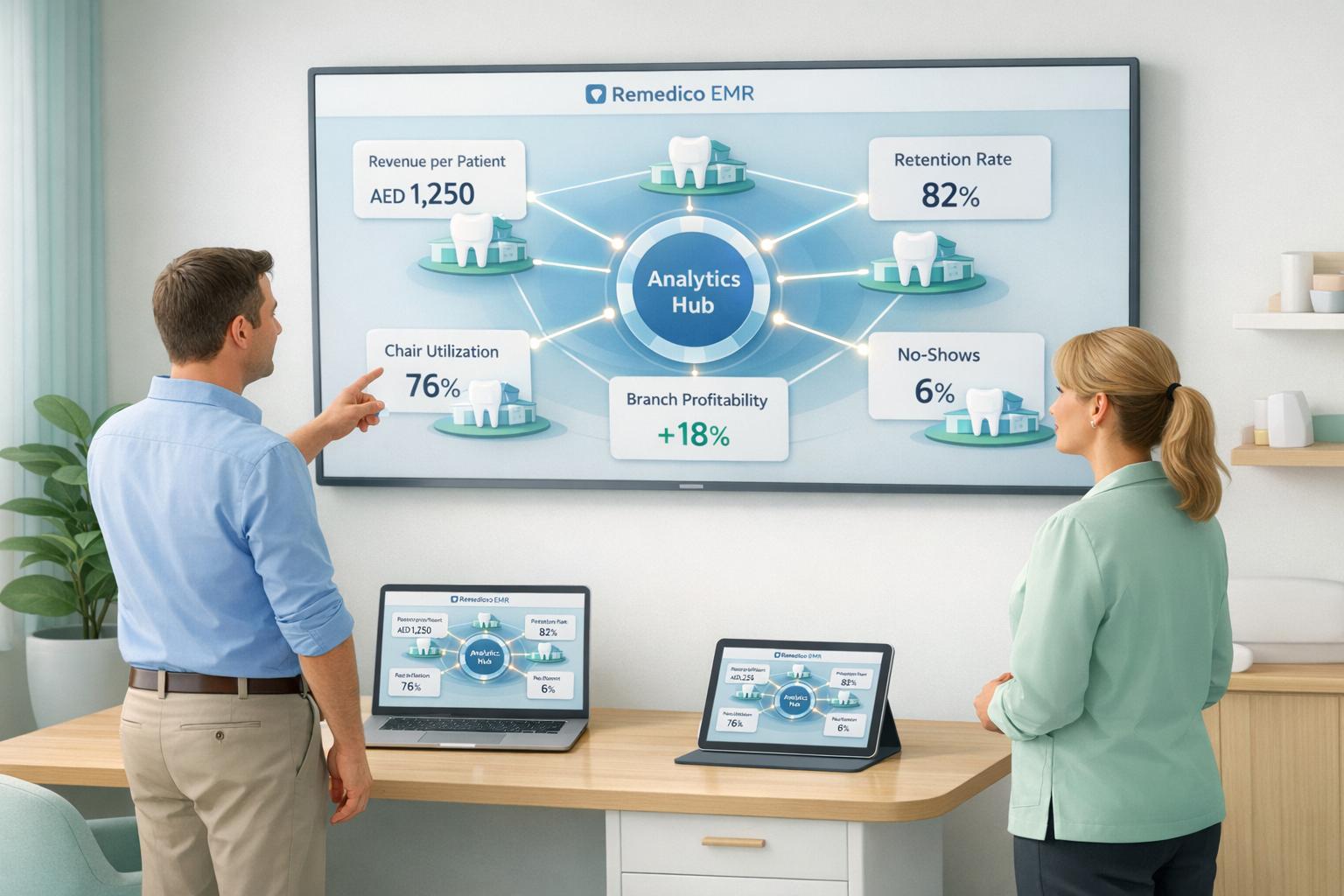
Remedico is tailored for dental practices across the UAE and the Gulf region, particularly multi-branch clinics. Its Multi-Branch Dental Analytics feature helps track and analyse performance across multiple locations [1].
The platform is also ideal for clinics embracing advanced technologies. For example, it integrates Remedico®GPT, a generative AI tool, and supports Virtual Reality (VR) patient presentations through Dentaverse [2][3]. To ensure smooth operations, the platform offers 24/7 support from a team of over 15 specialists.
Integration Compatibility
Remedico seamlessly connects with key UAE health exchanges like NABIDH, Riayati, and Malaffi. It also features built-in tools for financial analytics and patient reminders, eliminating the need for additional software. Invoicing and payment tracking are handled within the same interface, simplifying billing processes [2][3].
Pricing Tier
The pricing is straightforward: AED 363 per doctor per month (approximately $99). Clinics opting for annual payments receive a 15% discount. The plan includes:
- Unlimited users
- 100GB of secure storage
- 1,000 WhatsApp reminders
- Free setup with secure data migration
- A built-in Revenue Calculator [1]
With its robust features and regional focus, Remedico provides a solid foundation for dental practices aiming to optimise their operations.
2. Dentrix
Dentrix is trusted by over 35,000 dental practices worldwide, offering software solutions tailored to practices of different sizes and needs [17]. It comes in three distinct versions, each designed to cater to specific operational requirements.
Deployment Type
Dentrix provides three deployment options to suit varying practice setups:
- The standard Dentrix operates on-premise with a server-based configuration, ideal for solo practices or small-to-medium groups that prefer keeping their data locally.
- Dentrix Enterprise employs a centralised SQL database, making it a great fit for large organisations and multisite clinics that need unified data management [13].
- Dentrix Ascend, the cloud-based version, allows access from any device at any time, offering maximum flexibility [13].
Best Suited For
Each Dentrix version is designed with specific practice types in mind:
- The standard Dentrix is best for solo practitioners and small-to-medium practices that don’t require centralised management [13].
- Dentrix Enterprise is tailored for large dental groups, multisite organisations, and community health centres that benefit from centralised data handling [13].
- Dentrix Ascend is versatile, working well for both single-location practices and larger group setups, making it the most flexible option [13].
All versions integrate smoothly with diagnostic tools and billing systems, ensuring streamlined operations.
Integration Compatibility
Dentrix supports over 150 imaging devices and simplifies workflows with one-click features for capturing, storing, and coding images for billing [15]. Its insurance claims system boasts a 97% first-time success rate, processing over 100 million claims annually [16][17].
A noteworthy example comes from Oakdale Smiles, which transitioned to Henry Schein One’s Eligibility Pro and eClaims integrated with Dentrix in early 2024. Within the first month, they converted AED 183,500 (around $50,000) in historical write-offs into AED 91,750 ($25,000) in collections. Claim denials dropped from 20–30% to almost none, and pre-authorisation times were reduced from weeks to just days [14].
“The training on the software was phenomenal… because of that and how easy eClaims is to use, we don’t really have denials anymore.” - Beatriz Valdez, Office Manager, Oakdale Smiles [14]
Pricing Tier
Dentrix offers pricing plans tailored to meet different needs:
- Starter: Includes essential tools for managing revenue cycles.
- Accelerator: Adds advanced analytics for deeper insights.
- Pro: The most comprehensive package, featuring AI-powered diagnostic tools like Detect AI [12].
Pricing details are available upon request, and additional services like TechCentral IT Support and Dental Practice Consulting can be added for enhanced functionality [12].
3. Eaglesoft
Eaglesoft is a practice management system developed by Patterson Dental for Windows operating systems. It caters to both small practices and larger, multi-location organisations [26–28].
Deployment Type
Eaglesoft operates on local servers, giving clinics full control over their data [26,28]. However, this approach requires in-house IT infrastructure and hardware. Unlike cloud-based systems with flexible monthly subscriptions, Eaglesoft typically uses a licence or maintenance-based pricing model [18]. This setup is ideal for clinics that prioritise on-site data control, even though it demands internal IT management.
Best Suited For
Eaglesoft’s user-friendly interface helps reduce the need for extensive training [19]. However, smaller clinics might find the pricing less appealing, and some users have pointed out that it offers fewer customisation options compared to more adaptable competitors [19].
Integration Compatibility
Eaglesoft integrates efficiently with various third-party systems. It connects with digital imaging tools like Schick sensors, enabling clinics to capture and store images directly in patient records [21]. Additionally, it works with Dentsply Sirona’s CEREC CAD/CAM system, streamlining processes from digital impressions to final restorations and billing [21]. Patient engagement platforms, such as NexHealth, are also compatible with Eaglesoft [15,26,28].
Pricing Tier
Eaglesoft falls into the premium pricing category. According to G2 data, its cost is approximately 12% higher than the average dental practice management software [20]. Entry-level systems typically range from AED 515 to AED 880 per month, with Eaglesoft positioned above this average [26,27]. Despite its higher price, the system’s integration with digital imaging and billing tools provides clinics with practical advantages.
4. Open Dental
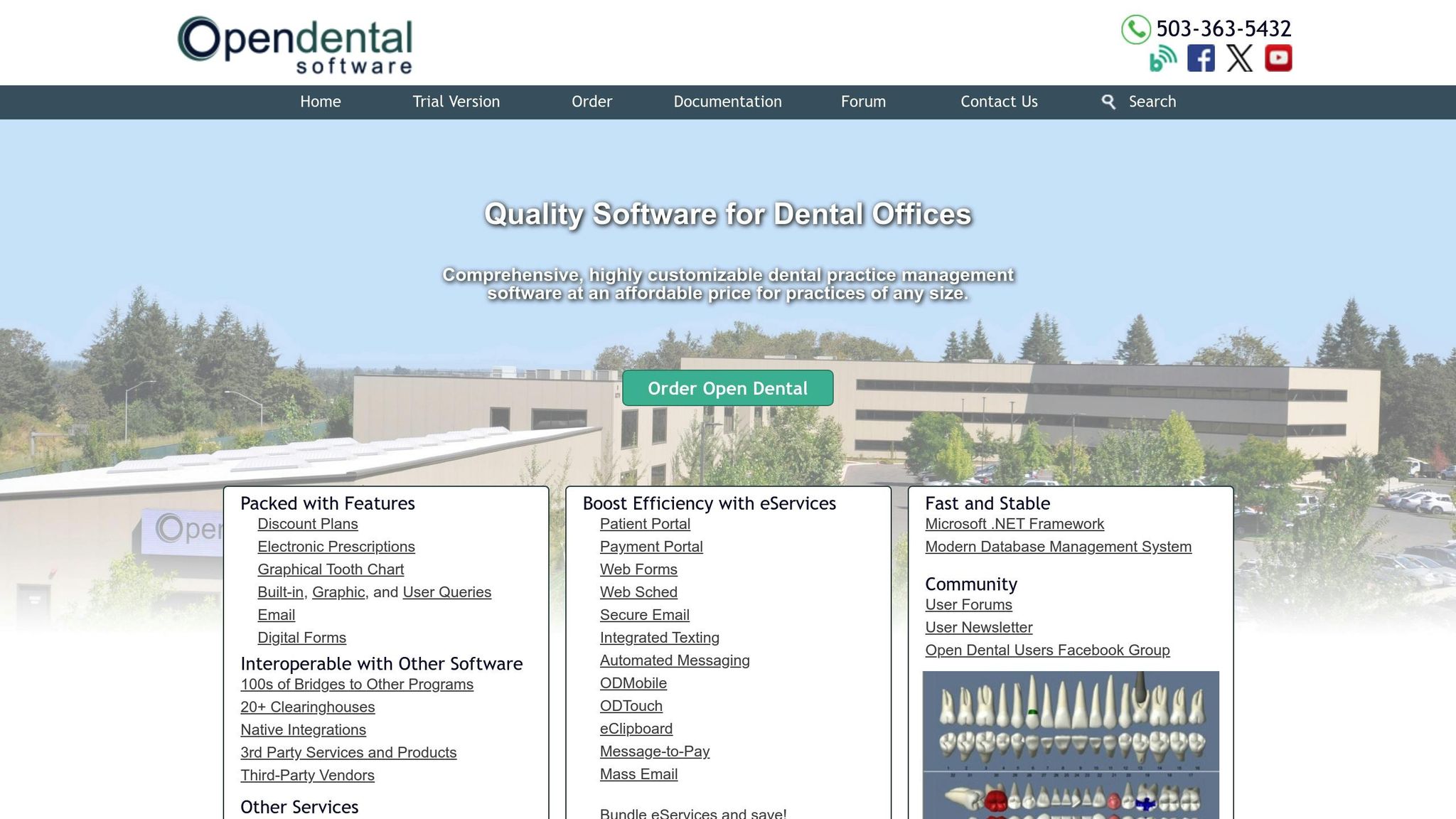
Open Dental is a practice management system that operates on a server-based setup, utilising an open-source MySQL/MariaDB database. It is designed for Windows and offers capabilities for custom reporting and data analysis.
Deployment Type
Open Dental is primarily a server-based, on-premise system, but it can also function in cloud or hybrid environments when paired with third-party providers. Its open-source framework gives clinics the freedom to run custom queries and create tailored reports without being tied to vendor limitations. However, this approach requires clinics to handle their own hardware and IT infrastructure, which may be better suited for larger, tech-savvy practices.
Best Suited For
This system works particularly well for large practices, multi-location clinics, and Dental Support Organisations (DSOs) that need advanced customisation options. Smaller clinics might find the IT management aspect challenging, but for those with technical expertise, its open-source nature allows for the modification of workflows and seamless integration of proprietary tools.
Integration Compatibility
Open Dental supports a broad range of integrations, including imaging systems, billing platforms, and CAD/CAM tools. It can directly link digital sensors, intraoral cameras, and CBCT scanners to patient records. Additionally, it connects with third-party billing services and lab management software, making it a flexible option for practices with intricate workflows.
5. Curve Dental
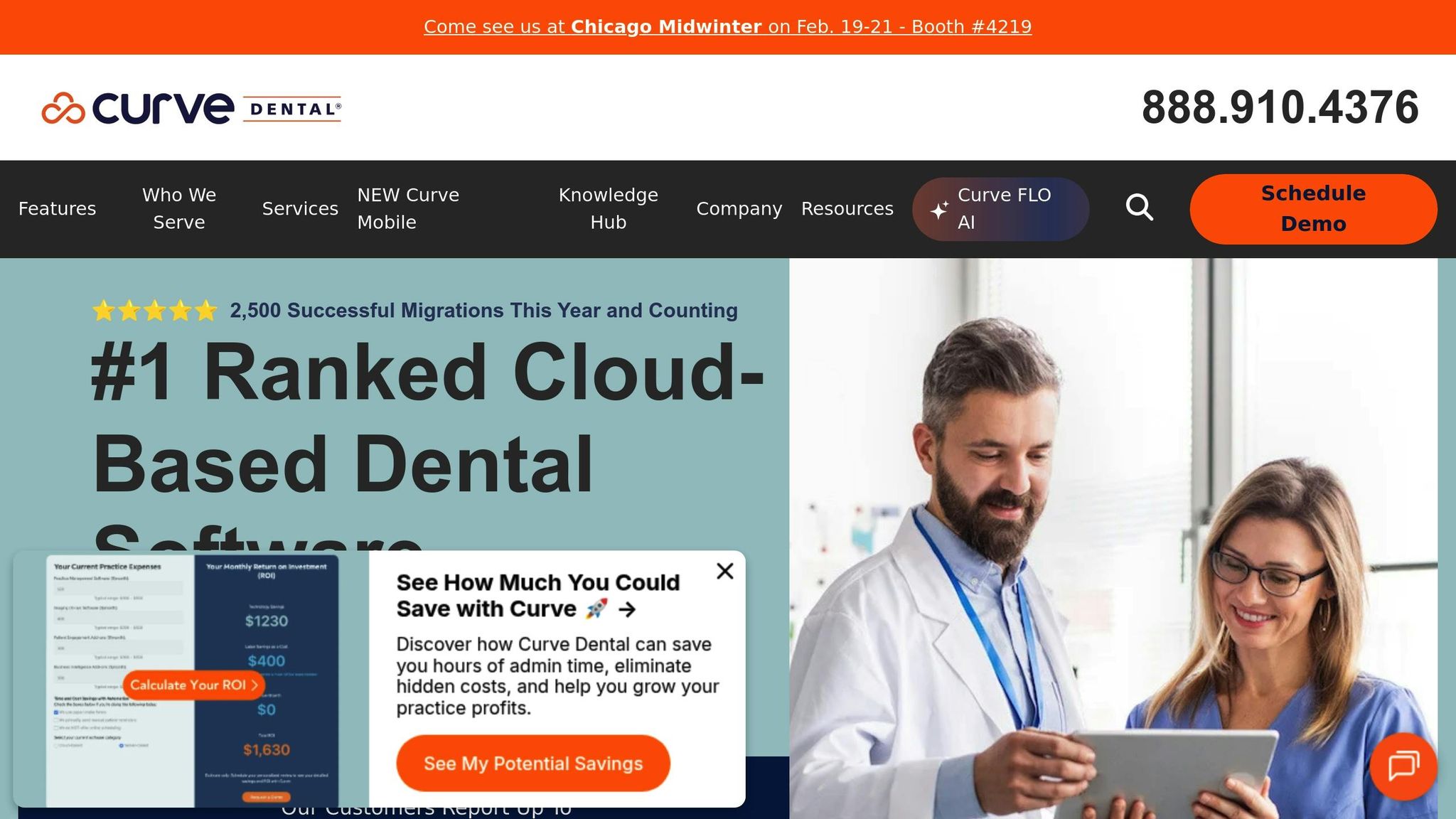
Curve Dental is a web-based practice management system that combines clinical charting, imaging, billing, and scheduling into one seamless platform. Since it operates in the cloud, there’s no need for physical servers.
Deployment Type
Curve Dental is a cloud-based (SaaS) solution, accessible through any device with an internet connection. This eliminates the need for maintaining physical servers and ensures automatic software updates. Dentists and staff can access patient records, X-rays, and treatment plans from virtually anywhere - whether at the clinic, at home, or even while managing multiple locations in cities like Dubai or Abu Dhabi. This setup is ideal for clinics needing remote access and multi-location management.
Best Suited For
Thanks to its cloud-based nature, Curve Dental is a great fit for solo practitioners, group practices, and multi-location clinics. Its scalability makes it especially appealing for practices planning to grow without investing in additional hardware. While it is particularly suited for general dentistry, its flexible charting and imaging features can also accommodate various specialties.
Integration Compatibility
Curve Dental leverages Curve Capture technology to connect with most major digital imaging sensors, enabling X-rays to be stored directly in the cloud for immediate access. It integrates with billing systems and insurance verification tools, streamlining payments and reducing manual data entry. Additionally, it supports third-party lab management software, although it lacks the advanced CAD/CAM integration of tools like Exocad or 3Shape.
Pricing Tier
Curve Dental operates on a monthly subscription basis, charging per provider or location. This model eliminates the hefty upfront costs of server-based systems and includes updates and cloud storage in the subscription. Pricing varies based on the size of the practice and the features required, so it’s best to request a tailored quote.
6. Adit
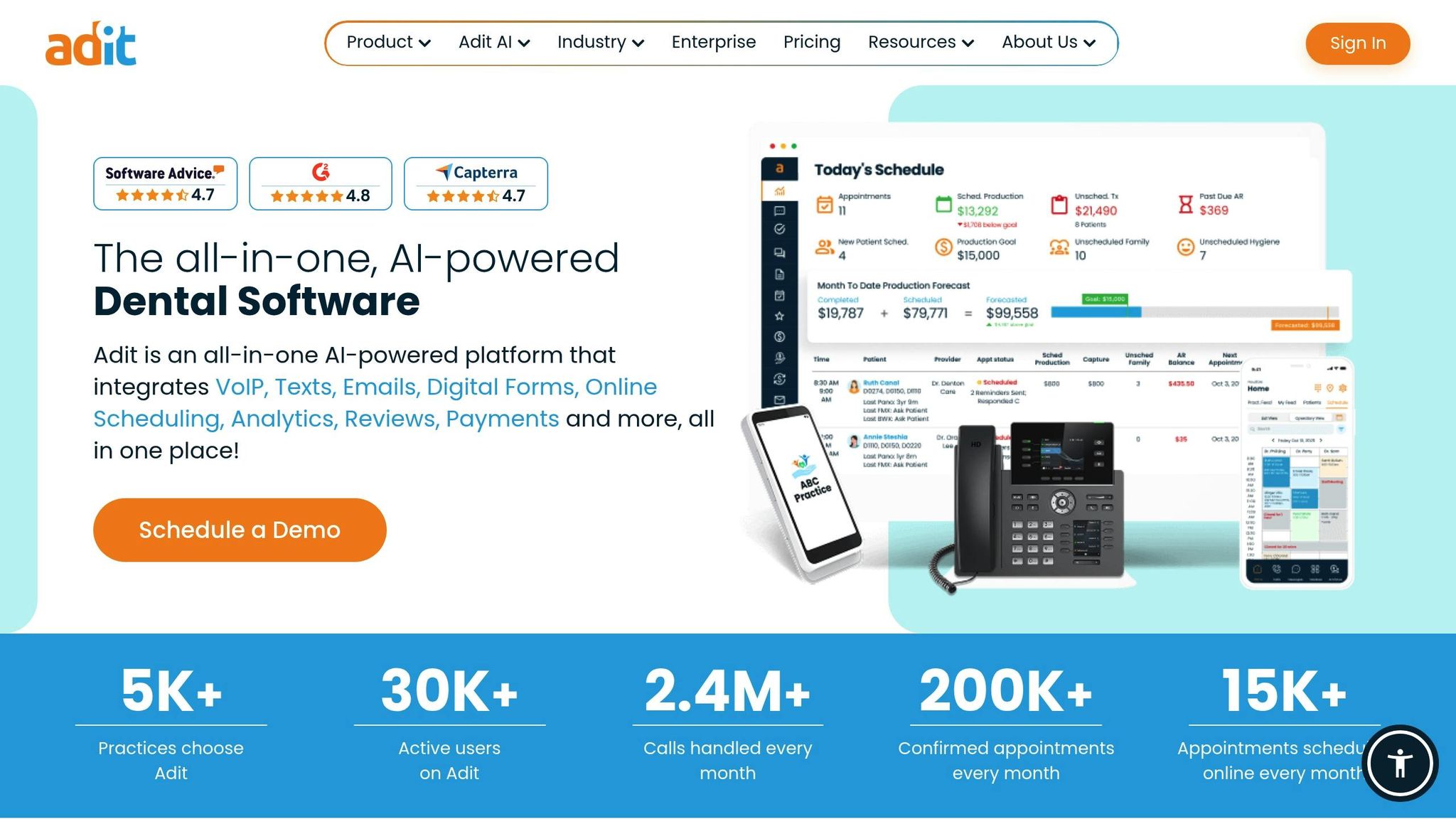
Adit is a cloud-based platform that combines essential tools for dental practices into one convenient package. It includes features like VoIP phone systems (Adit Voice), patient recall, online scheduling, payment processing (Adit Pay), and two-way text messaging. By bundling these tools, Adit eliminates the hassle of juggling multiple subscriptions.
Deployment Type
Since Adit operates entirely in the cloud, there’s no need for on-site servers or manual updates. Dental teams in cities like Dubai and Abu Dhabi can easily access patient records, billing information, and communication tools from virtually any device.
Best Suited For
Adit is designed for dental practices that currently rely on separate systems for tasks like phone calls, reminders, and payments. By simplifying these workflows, it streamlines daily operations. For practices with more advanced clinical software needs, Adit can be paired with other specialised solutions, making it a flexible option for integration into existing setups.
Integration Compatibility
Adit works seamlessly with over 30 practice management systems, making it easy to integrate into your current setup. Additional features like Adit Digital Imaging centralise X-ray storage and viewing, while Adit Pay automates billing and payment requests. However, it lacks native CAD/CAM integration, so practices using systems like Exocad or 3Shape will need to manage those separately.
7. CareStack
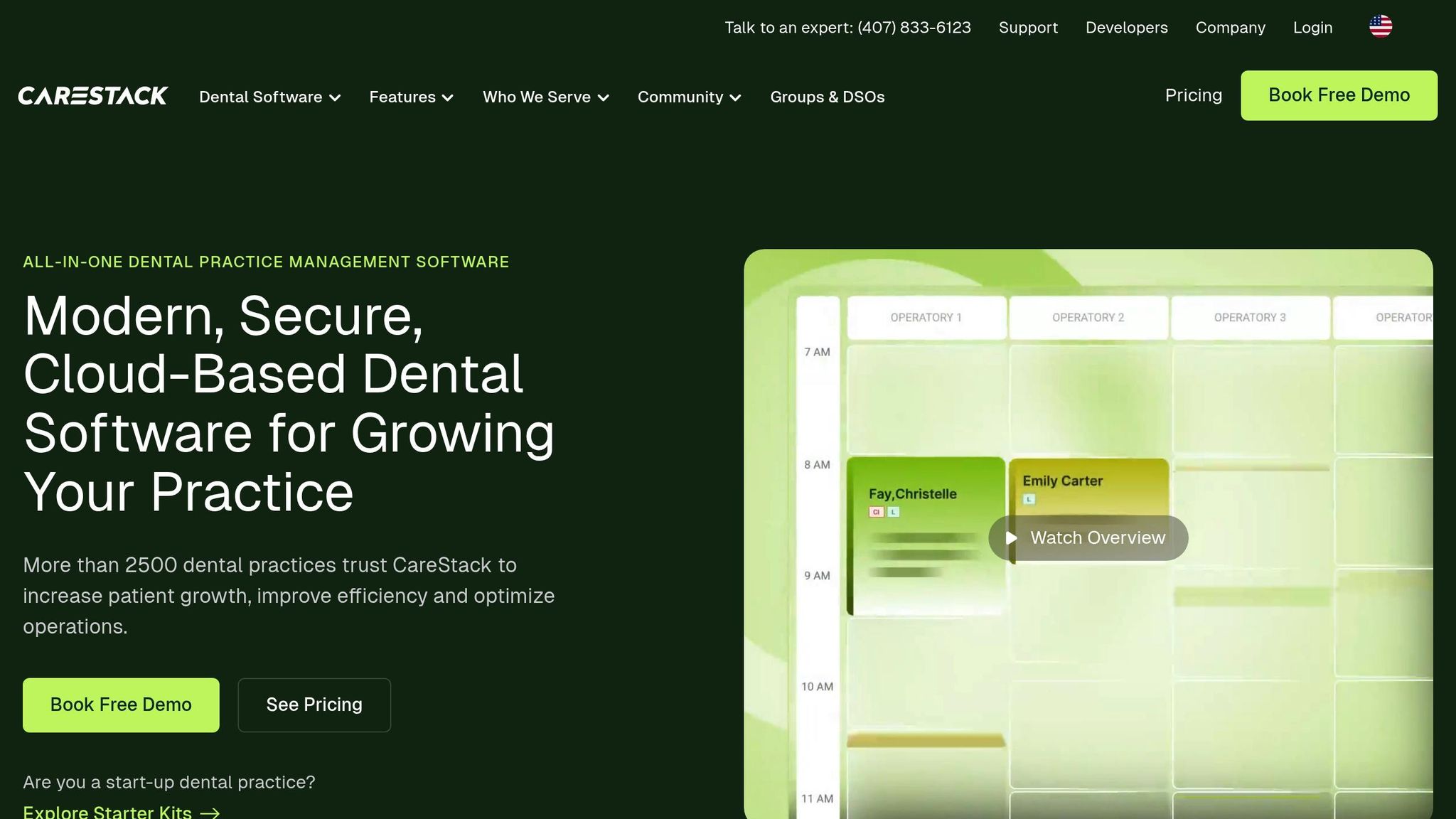
CareStack is a cloud-based dental practice management platform designed to streamline clinical, administrative, and billing tasks. By operating entirely in the cloud, it eliminates the need for local servers, reducing hardware upkeep and allowing your team to focus more on patient care. Here’s a closer look at its deployment, ideal users, and integration capabilities.
Deployment Type
CareStack operates fully in the cloud, offering real-time access to patient data, scheduling, and billing across multiple locations. Automatic updates ensure the system stays current without requiring dedicated IT support, making it a hassle-free solution for busy practices.
Best Suited For
Thanks to its strong central management features, CareStack is particularly well-suited for mid-to-large dental practices and Dental Service Organisations (DSOs) managing multiple locations. It supports general dentistry workflows and also caters to specialties like orthodontics, paediatric dentistry, and oral surgery. With its emphasis on real-time data access and seamless updates, CareStack is a robust choice for larger operations. However, for smaller clinics, such as single-chair practices, its extensive features might feel excessive.
Integration Compatibility
CareStack goes beyond basic management by integrating tools for patient engagement, revenue cycle management, and business analytics, reducing the need for third-party add-ons. For advanced administrative support, clinics can also leverage RemedicoGPT: AI-assistant for Dental Clinic Managers to automate reporting and scheduling. While it handles most imaging and billing tasks internally, it’s a good idea to check compatibility with your current hardware and workflows to ensure smooth integration.
8. DentiMax
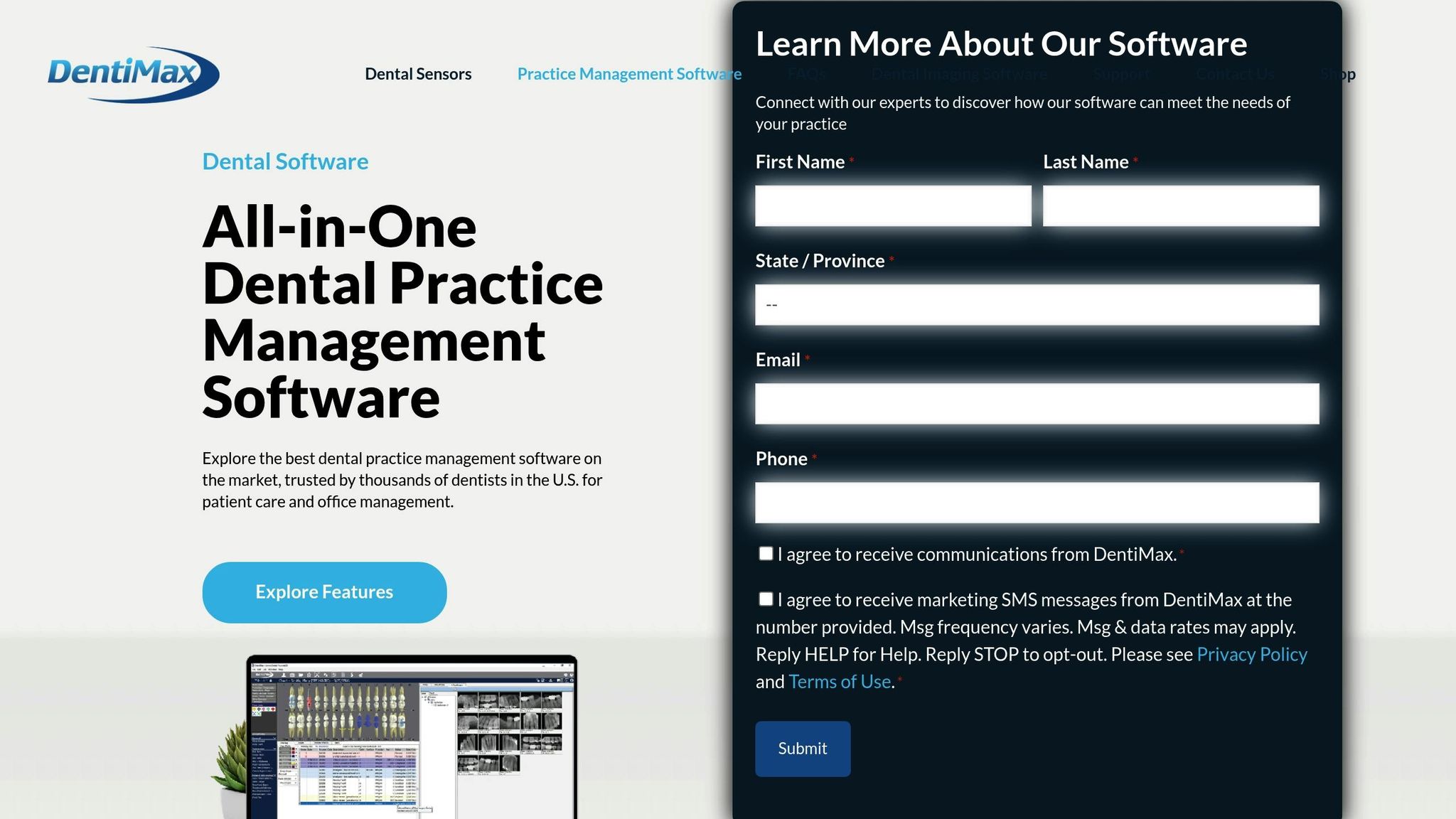
DentiMax is a dental practice management solution offering both cloud-based and on-premise options. This flexibility allows practices to choose between remote access or local data storage, depending on their needs.
Deployment Type
DentiMax provides two deployment options. The cloud-based version operates entirely through a web browser, enabling access to patient records from anywhere with an internet connection - no server maintenance required. Meanwhile, the on-premise version is designed for Windows-based devices, offering complete control over data and hardware.
Best Suited For
DentiMax is designed for practices of all sizes, including single-chair clinics, multi-location groups, and specialised clinics. It boasts an 89% positive rating from verified users, who often highlight its intuitive interface and detailed charting capabilities [22]. Its ability to integrate with a wide range of systems makes it a versatile choice for many dental practices.
Integration Compatibility
DentiMax supports integration with over 25 third-party imaging sensors, including popular systems like Eaglesoft, Dentrix, and Softdent [22][25]. Additionally, it works seamlessly with tools such as Dental R.A.T., Solution Reach, and Weave. For imaging, DentiMax offers its proprietary Dream Sensor, which delivers high-definition imaging, and a local imaging bridge to connect with other systems [22][24].
Pricing Tier (Approximate)
DentiMax uses a subscription-based pricing model. The In-Office version starts at AED 620 per month (about USD 169), with potential discounts reducing it to AED 510 per month after the first year [22][24]. Cloud-based plans range from AED 1,095 per month for the Core package to AED 2,565 per month for the Unlimited package [22][23]. This pricing structure positions DentiMax as a cost-effective alternative to more expensive platforms.
“DentiMax offers everything the others do, as far as I can tell. So why pay more? The differences are about nil, but the cost difference will be huge.” - Renee, Private Practice Owner [24]
sbb-itb-d8b42ea
9. tab32
tab32 is a browser-based dental practice management platform, fully built on the Google Cloud Platform.
Deployment Type
This platform operates on a fully cloud-based model, utilising its “Open Data Platform” architecture. This setup centralises all clinical, financial, and administrative data in a single cloud environment. It eliminates the hassle of manual backups, on-site hardware, and ongoing IT maintenance.
Best Suited For
tab32 is tailored for Dental Service Organisations (DSOs) and multi-location practices that require streamlined data management across various sites. Its “Single Source of Truth” model ensures real-time syncing of patient records, imaging, and billing data across all locations. This makes it a great fit for practices focused on maintaining consistent workflows and consolidated reporting across multiple clinics.
The platform also excels in integration capabilities, enhancing efficiency and usability.
Integration Compatibility
tab32 goes beyond centralising data by combining key functionalities into one system. Its built-in imaging module, HelloRay, allows practices to capture and store both 2D and 3D images directly in the cloud, removing the need for third-party bridging software. Additionally, the platform includes native billing integration, eliminating the need for external tools or manual data transfers.
10. ACE Dental
ACE Dental stands out among dental software options with its hybrid deployment model, designed specifically for smaller practices. It offers a straightforward practice management system that can be used either on-premise or via the cloud. This dual approach makes it a unique alternative to cloud-only platforms like Curve Dental or traditional server-based systems such as Dentrix. What’s more, transitioning from local installation to the cloud doesn’t require learning a new interface, which is a big plus for users looking for flexibility [26].
Deployment Type
With ACE Dental, you can choose a setup that suits your practice’s needs. It starts at AED 730/month for unlimited users on the cloud or a one-time on-premise licence for AED 6,230 [26]. You can install it on a single computer, scale it across a local network for unlimited users, or opt for full cloud access. This adaptability is especially helpful for practices that might want to switch deployment methods as they grow.
Best Suited For
ACE Dental caters primarily to solo practitioners and small to medium-sized general dentistry practices. Its main focus is on essential functions like patient scheduling, clinical charting, billing, and insurance claims processing. It’s a great match for single-location practices that need a reliable system. However, it’s not designed for large-scale dental service organisations or practices with high surgical volume.
Integration Compatibility
The software includes an Imaging Bridge for connecting with popular dental imaging programs and a Scanner Bridge for TWAIN-compliant scanners. Both are available for AED 1,830 each, unless you choose the Bundle tier, which includes these features [26]. For billing, ACE Dental integrates with X-Charge to handle credit card payments, making it a practical choice for streamlining financial operations.
Pricing Tier
ACE Dental is an affordable option for practices that don’t need extensive customisation or advanced enterprise-level features. Cloud pricing ranges from AED 730/month (Basic) to AED 1,095/month (Bundle), while on-premise network licences fall between AED 6,230 and AED 14,660, depending on the tier [26]. Users appreciate its user-friendly design and strong customer support, though some note that the interface feels outdated compared to newer systems. Additionally, periodontal charting features could use some improvement.
“I love the ease of this software program for our dental office. I am positive that any employee can easily learn the functions within a couple of days.” Tammy A., Health, Wellness and Fitness [27]
1. Exocad
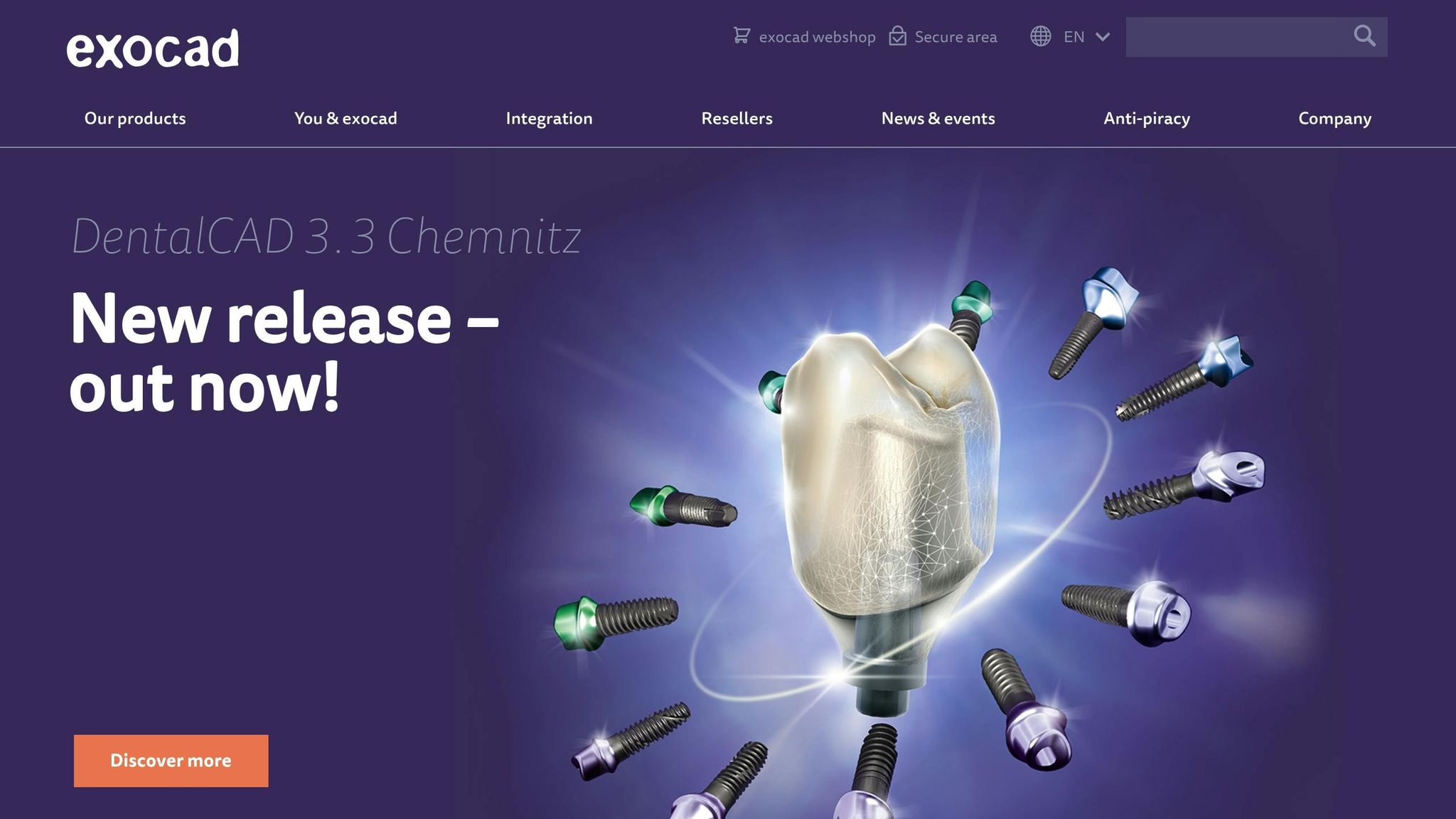
Exocad stands out in the world of CAD/CAM systems by offering versatile design tools tailored for advanced restorative dentistry. As a global leader in dental CAD/CAM software, it caters to both dental laboratories and clinical practices that need adaptable tools compatible with various technological tools in dentistry for restorative dentistry, implantology, and guided surgery. By April 2020, Exocad had surpassed 35,000 licences installed worldwide [28]. Since its acquisition by Align Technology in 2020, Exocad now integrates smoothly with iTero scanners and Invisalign workflows [28].
Deployment Type
Exocad is installed directly onto lab or practice computers, rather than operating via a web browser. This local installation provides full control over design files and processing power, avoiding reliance on cloud-only workflows. For labs prioritising data security and speed, this setup is a major advantage.
Best Suited For
Exocad is ideal for dental laboratories of any size and practices specialising in prosthodontics, restorative dentistry, and implantology. It excels in chairside workflows and the design of crowns, bridges, dentures, veneers, and implant bars. With its focus on advanced restorative designs, Exocad complements full-service platforms by handling the technical aspects of restorative treatments.
Integration Compatibility
Thanks to its open architecture, Exocad connects seamlessly with almost any dental scanner, milling machine, or 3D printer. It also integrates with CAM platforms for manufacturing. Following its acquisition by Align, Exocad now works effortlessly with iTero intraoral scanners and Invisalign digital solutions [28].
“Exocad’s DentalCAD is renowned for its open architecture (integrating any scanner, mill or printer) and extensive design tools.” Dr. Rockson Samuel [6]
This high level of integration supports both in-house lab operations and clinical workflows, making it a strong choice for premium use cases.
Pricing Tier
Exocad is positioned as a high-end solution, with pricing managed through nearly 200 partners worldwide. While specific costs aren’t publicly available, it is considered a premium option for labs and practices handling complex restorative cases. For those managing high volumes of intricate work, the investment often proves worthwhile [28].
2. Cerec/Dentsply
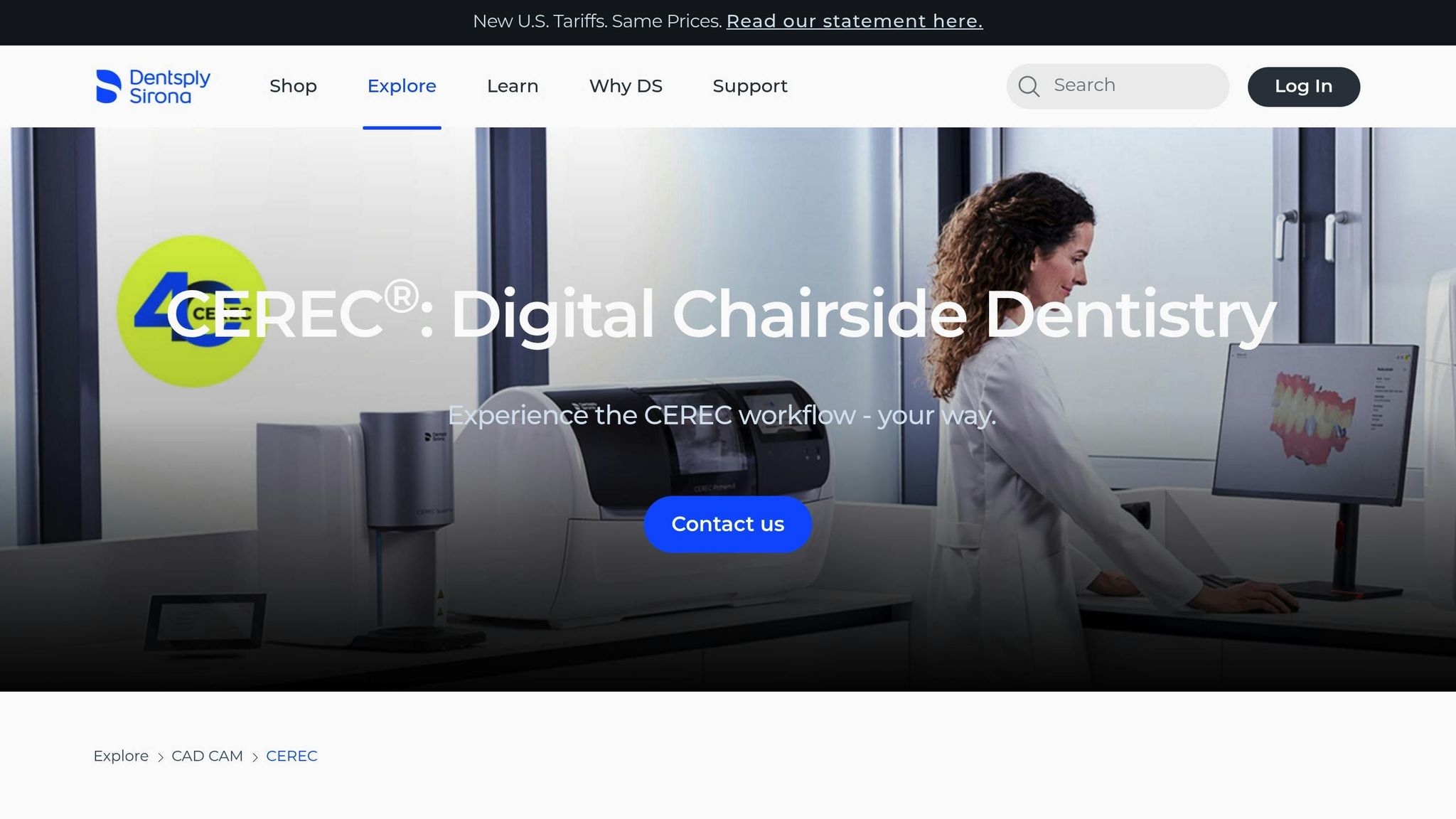
CEREC by Dentsply Sirona is a trailblazer in chairside dentistry, offering a CAD/CAM system designed for same-day restorations. This technology streamlines the process by enabling practices to take digital impressions, design crowns or bridges, and mill them on-site - all in a single visit. By removing the need for temporary restorations and follow-up appointments, CEREC boosts patient satisfaction and reduces reliance on external labs [4][5].
Deployment Type
CEREC operates as a fully in-house system, combining specialised hardware and software. The workflow includes an intraoral scanner, design software installed on the practice’s computer, and a milling machine for fabricating restorations. Unlike cloud-based platforms, CEREC keeps all files and processes local, giving clinics complete control over their data and production schedules [4].
Best Suited For
This system is ideal for general dental practices and specialists focusing on restorative procedures. It’s particularly useful for clinics aiming to deliver same-day crowns, bridges, veneers, or implant abutments, eliminating delays caused by lab turnarounds. While suitable for practices of varying sizes, the upfront investment makes it more practical for clinics with a steady flow of restorative cases [4][5].
Integration Compatibility
CEREC integrates seamlessly with Dentsply Sirona’s Simplant software, offering a robust 3D guided implant workflow compatible with numerous implant systems [6]. The system also allows for combining digital impression files with CBCT scans, enhancing precision in surgical planning. With direct communication between the intraoral scanner, design software, and milling machine, CEREC ensures a smooth and fully digital chairside workflow [4][6].
Pricing Tier
CEREC requires a considerable initial investment, covering scanners, software licences, and milling equipment. However, practices often recover these costs within months by cutting expenses on physical impression materials, shipping, and external lab services. Over time, additional savings come from increased efficiency and fewer patient visits [4].
3. Planmeca
Planmeca Romexis 7 brings together 2D imaging, 3D CBCT scans, intraoral scans, and CAD/CAM design into a single, unified system. This setup allows clinicians to manage all imaging modalities side-by-side, cutting down on the need to switch between applications and speeding up the diagnostic process [6].
Deployment Type
Romexis 7 operates on an on-premise model, storing all imaging data, treatment plans, and CAD/CAM files locally. It connects seamlessly with Planmeca’s imaging hardware, such as panoramic units, CBCT scanners, and intraoral scanners. This localised setup ensures smooth integration and efficient imaging workflows.
Best Suited For
Romexis 7 is ideal for general dental practices and implant specialists seeking a comprehensive imaging and planning solution. It’s particularly beneficial for practices managing restorative cases, implant surgeries, or complex diagnostic procedures. The system’s AI tools, like automatic anatomy segmentation and tooth-numbering, help streamline tasks, making it a time-saver for clinics handling a high volume of patients.
Integration Compatibility
This platform integrates all Planmeca imaging devices into a single workflow. It allows clinicians to combine DICOM data from CBCT scans with digital impressions, enabling prosthetic-driven implant planning. AI-powered features enhance the restoration process by handling segmentation tasks. Additionally, clinicians can use the software to show patients detailed implant plans, improving case acceptance and fostering trust [6].
“I can do my implant planning so easily, and I love it! I can also show the implant plan to my patients… explaining there is no danger. That’s really great and easy.” - Dr. M. von Kleinsorgen, Planmeca Romexis user [6]
With its seamless integration and advanced features, Romexis 7 stands out as a robust tool for modern dental practices.
4. 3Shape
3Shape offers a streamlined CAD/CAM solution that combines scanning, design, and implant planning into a unified digital workflow.
The TRIOS intraoral scanners deliver fast, digital impressions, making traditional alginate moulds a thing of the past. Paired with the Dental System lab software, it supports a wide range of restorations, including crowns, bridges, dentures, and orthodontic models. To top it off, the integration of AI tools like 3Shape Automate takes over most manual design tasks, saving time and effort [6][7].
Deployment Type
3Shape employs a hybrid model. The Dental System lab edition operates on local servers, ensuring on-site storage of design files. At the same time, the 3Shape Automate service leverages cloud-based AI to handle design requests remotely, easing the workload for technicians [6].
Best Suited For
This platform is ideal for general practices offering same-day dentistry, implant specialists performing guided surgeries, and labs managing high restoration volumes. Clinics equipped with in-house milling machines or 3D printers can design and produce crowns or bridges in a single visit [4].
Integration Compatibility
3Shape works seamlessly with CBCT scanners and X-ray systems to enable prosthetic-driven implant planning. The software is compatible with a variety of milling machines and 3D printers. Additionally, its Digital Smile Design tools allow dentists to present patients with before-and-after visualisations directly on their smartphones, which can enhance treatment acceptance rates [4][7].
This hybrid system demonstrates how an effective CAD/CAM setup can simplify workflows and make treatment plans clearer for patients.
5. Dental Wings
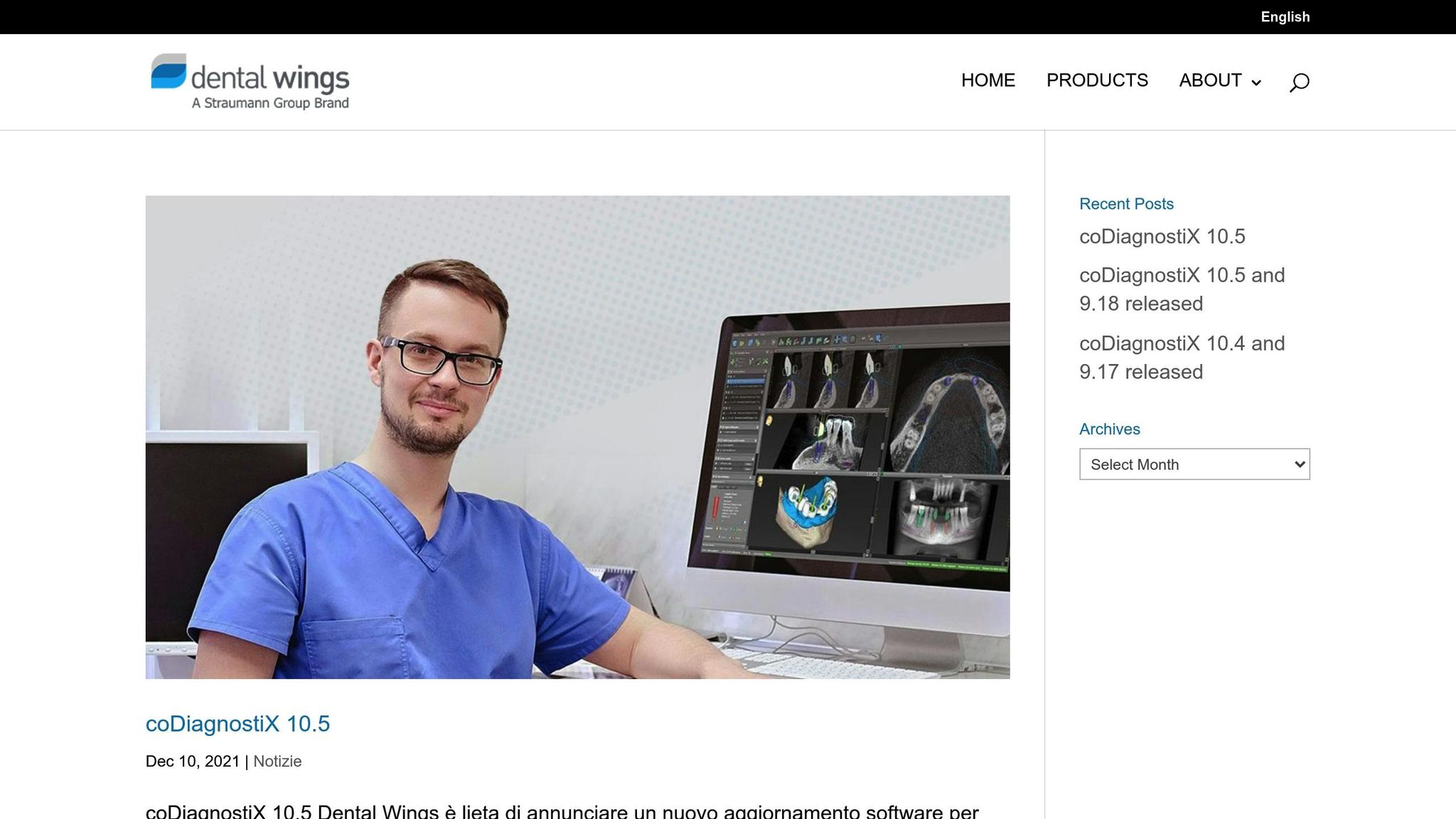
Dental Wings offers a hybrid CAD/CAM solution tailored for dental labs and implant specialists, combining digital design and surgical planning tools. The system integrates on-site software with cloud-based case sharing, making it a practical choice for clinics managing complex implant procedures or collaborating with external labs.
Deployment Type
Dental Wings blends local and cloud-based technologies for efficient case management. The Dental Wings Operating System (DWOS) runs on high-performance workstations to handle resource-intensive 3D design tasks. Simultaneously, DWOS Connect operates in the cloud, allowing seamless sharing of digital case files between clinics and labs.
Best Suited For
This platform is a great fit for implantologists, oral surgeons, and dental labs. Its coDiagnostiX suite aids in implant placement and surgical guide design, featuring AI-powered tools such as automated nerve detection and anatomical segmentation to minimise surgical risks. Clinics focusing on prosthetically driven implant planning will find these tools particularly useful, as they ensure implant positions align with the final prosthetic outcomes.
Integration Compatibility
Dental Wings uses an open architecture, supporting widely used file formats like STL, PLY, and OBJ. This ensures compatibility with most intraoral and lab scanners, as well as CBCT systems. Additionally, it integrates with third-party imaging tools to create detailed 3D models for treatment planning. This flexibility allows clinics to incorporate Dental Wings into their existing setups without needing to replace current hardware.
How to Choose Dental Software for Your Practice
Selecting the right dental software for your practice involves weighing several key factors, including the size of your practice, your area of specialty, your budget, compliance requirements, and integration needs.
Practice Size Matters
The size of your practice often determines the type of software that will suit you best. For smaller clinics with 1–5 dentists, cost-effective solutions like Open Dental or ACE Dental can be a great fit. Medium-sized practices (6–15 dentists) may need more advanced features to handle multi-location workflows. Options like Dentrix or Eaglesoft are well-suited for this. For larger practices or Dental Support Organisations (DSOs) with 15+ dentists, enterprise-level cloud systems such as Curve Dental or Dentrix are designed to scale efficiently and meet complex needs.
Specialty-Specific Features
Your practice’s specialty can also influence your choice. General dentistry platforms usually cover standard needs, but oral surgeons or implantologists may require software with advanced imaging capabilities, DICOM/STL viewers, or tools for custom implant workflows. Paediatric and orthodontic practices might benefit from specialised features. For instance, Dentrix offers orthodontic-specific charting, while systems like Remedico provide 3D dental charts and even VR tools like Dentaverse® to enhance treatment presentations and improve case acceptance.
Budget and Compliance Considerations
Budgeting for dental software should go hand-in-hand with compliance needs. Cloud-based systems often have a lower initial cost and can scale without requiring hardware upgrades. In contrast, server-based systems like Dentrix might cost upwards of AED 1,835 per month but deliver robust workflows. In the UAE, compliance with NABIDH or Riayati is essential to avoid manual reporting challenges. When evaluating software, ask vendors questions like, “Does your system integrate with DHA or other local health authorities?” and “Do I own my data, and can I export it whenever I need?”
Integration and Efficiency
Integration capabilities can significantly impact daily operations. Ensure the software connects seamlessly with your imaging equipment (like sensors or CBCT machines), accounting tools, and communication platforms such as WhatsApp for automated reminders. Integrated reminders alone can save 20–24 hours of admin time every month by reducing no-shows. Always test demos to confirm that workflows like importing X-rays or syncing data across multiple locations are straightforward and efficient.
Key Questions to Ask
Before finalising your choice, consider these practical questions:
- Does the software support real-time insurance checks?
- What is the system’s uptime guarantee and data recovery process?
- Is training included, or does it come at an additional cost?
- Can workflows be customised to suit your specialty?
Some systems, like Remedico, stand out by offering free setup and priority support, making them an excellent example of user-friendly integration. Be sure to clarify all fees upfront to avoid unexpected costs for extra features or integrations.
3 Common Mistakes When Choosing Dental Software
When selecting dental software for your clinic, steering clear of these pitfalls can ensure smoother operations and better long-term results.
Choosing Based on Price Alone
Focusing only on the upfront cost can lead to higher expenses down the line. Budget-friendly systems often lack essential features, experience frequent technical issues, or require costly add-ons. Josh Gosnell, Vice President of Revenue at Adit, explains this perfectly:
“Choosing the best dental software based solely on price is like buying a cheap car that breaks down every other week. Sure, you saved money upfront, but the long-term costs will quickly outweigh initial savings.” [30]
For instance, a dental practice in Utah reduced no-show appointments by 80% after upgrading from a low-cost system to a more comprehensive platform [30]. To avoid surprises, calculate the Total Cost of Ownership (TCO), which includes licensing fees, support, updates, data migration, and training. A robust system can save you approximately AED 44,000 annually by boosting productivity and cutting down on admin hours [30].
Additionally, overlooking associated costs, such as integration or upgrades, can stretch your budget further.
Ignoring Migration and Integration Costs
Switching systems isn’t just about the software itself - it’s also about successfully transferring patient records, imaging files, and billing data. Without proper vendor support, this process can lead to downtime or even data loss. Moreover, older server-based systems come with recurring costs, ranging from AED 1,470 to AED 2,570 per month, for maintenance, IT support, and hardware upkeep [31].
Another issue is poor integration. If your new software doesn’t sync with existing tools, it can result in duplicate entries and time-consuming manual work. To avoid this, ask vendors specific questions like: “Does your system work with my imaging equipment and accounting software?” and “What are the costs and responsibilities for data migration?” Practices that transition to cloud-based systems often save between 30% and 70% on overhead by avoiding these hidden expenses [31].
Beyond costs, ease of use plays a crucial role in maximising the software’s potential.
Underestimating Training Needs
Even the most advanced software won’t deliver results if your staff struggles to use it. Insufficient training can lead to frustration, wasted time, and a drop in team morale. Adit highlights this issue:
“A feature-rich dental practice management software is only valuable if your team can use it effectively. If your staff struggles with a complex interface, productivity and morale fall.” [30]
Look for vendors who provide free setup, onboarding, and comprehensive training. For example, Remedico offers free migration, 24/7 priority support, and step-by-step guidance. Before committing, involve your front-desk staff and billing coordinators in software demos to ensure the platform is intuitive. Proper training can save your clinic over 40 hours of admin work every month [29].
Key Takeaways
Dental software has evolved to handle a wide range of tasks, including patient record management, billing, scheduling, and compliance reporting. By choosing the right platform, clinics can significantly reduce administrative burdens while staying aligned with regulations like DHA and NABIDH [29].
Practice Management Systems (PMS), such as Remedico, Dentrix, and Curve Dental, combine essential functions like appointment scheduling, billing, and patient records into one platform. For more specialised needs, CAD/CAM software like Exocad and 3Shape focuses on digital impressions and treatment design, making it ideal for labs and restorative practices. Many modern platforms now integrate clinical tools with business automation, offering features like 3D charting, automated reminders, and analytics for multi-branch operations [29]. These advancements have expanded the variety of systems available to suit different practice needs.
When selecting software, it’s essential to consider the Total Cost of Ownership (TCO). Expenses like data migration, IT support, and staff training can quickly add up and impact your budget. Avoid common mistakes such as focusing solely on price, overlooking staff feedback, or neglecting how well the system integrates with your current setup. Practices that invest in robust, all-in-one solutions often experience noticeable gains in efficiency and workflow [30].
For clinics in the region, it’s crucial to choose software that supports VAT reporting, e-invoicing, and integrates seamlessly with local health systems like NABIDH and Malaffi [32]. This ensures compliance with local regulations and smooth operations.
Conclusion
Selecting the right dental software can transform your clinic’s operations. By automating tasks like scheduling, billing, and communication, it helps reduce no-shows, accelerate reimbursements, and enhance patient satisfaction. For clinics in the UAE, it’s crucial to opt for software that aligns with local regulatory standards.
Tools like Remedico go beyond basic management by integrating features such as 3D charting, automated reminders, and even VR treatment presentations. These functions aren’t just about convenience - they can lead to noticeable improvements in areas like appointment attendance, billing cycles, and treatment plan acceptance. Many professionals in the field have seen these benefits firsthand.
As Dr. Saghi Helmi, General & Cosmetic Dentist at Vilafortuny Clinic, shared:
“Remedico has changed the way we deliver care… every doctor is now in the driver’s seat taking control over important daily admin work from updating patient diagnostics to explaining treatment plans, invoicing and monitoring their own progress.” [29]
Streamline your workflows and improve patient retention with Remedico. Sign up for a free trial today and enjoy perks like free setup, training, data migration, and 24/7 support. Take control of your clinic’s operations while delivering the patient care experience you’ve always envisioned.
FAQs
What makes cloud-based dental software a better choice than on-premise systems?
Cloud-based dental software offers ease of use and adaptability, making it an excellent choice for modern practices. With an internet connection, you can securely access patient records and clinic management tools from virtually anywhere. Plus, automatic updates ensure your system stays current without any extra effort on your part.
This type of software is also ideal for expanding clinics, thanks to its ability to grow with your needs. Advanced encryption and regular backups provide an extra layer of security for sensitive data. Unlike traditional on-premise systems, cloud solutions eliminate the need for costly hardware and ongoing IT maintenance, making them a smart, budget-friendly option for dental clinics in the UAE and beyond. :::
How do CAD/CAM systems enhance dental treatments and patient satisfaction?
CAD/CAM systems bring a new level of precision to dental treatments by allowing dentists to design and produce restorations like crowns or veneers digitally and on-site. This not only shortens the treatment timeline but also makes the process more convenient and comfortable for patients. By reducing manual errors and improving accuracy, these systems help create better-fitting restorations. They also simplify clinical workflows, leading to improved results and increased patient satisfaction. :::
What should I look for when selecting dental software for my clinic in the UAE?
When choosing dental software for your clinic in the UAE, it’s essential to prioritise factors like compliance with local regulations, including NABIDH and Riayati. These frameworks are crucial for ensuring your practice adheres to the mandatory healthcare standards in the region.
Key features to look for include automated patient reminders, secure data storage, and tools specifically designed for the UAE market. For instance, software with Arabic language support and regional data hosting can make a significant difference in day-to-day operations. Additionally, evaluate the cost-efficiency of the software and ensure it offers dependable customer support that operates within your time zone. Selecting a solution that meets these criteria will not only simplify your clinic’s workflow but also ensure compliance with local requirements. :::