Dental Practice Management Software UK: How It Works in Clinics
Managing a dental clinic in the UK can be overwhelming, with challenges like juggling patient care, compliance (CQC, GDPR), and endless admin tasks. On average, staff spend 40+ hours monthly on repetitive tasks, leading to issues like double bookings, missed reminders, and low patient retention rates (just 41% after the first visit).
Dental practice management software simplifies these challenges by centralising tasks like scheduling, patient records, billing, and compliance into one cloud-based platform. Key benefits include:
- Automated reminders (via SMS/WhatsApp) to reduce no-shows.
- Centralised patient records for quick access and fewer errors.
- NHS-specific tools like FP17 submissions and UDA tracking.
- GDPR-compliant data storage with encryption and audit logs.
What’s the best dental practice management software? How to make the right choice!
sbb-itb-d8b42ea
What Is Dental Practice Management Software in the UK and How It Works
Dental practice management software is a digital solution that simplifies the daily operations of a dental clinic. It covers everything from appointment scheduling and patient record management to payment processing and maintaining compliance with regulatory standards. By replacing traditional paper files and spreadsheets, this software centralises all tasks into one cloud-based system. This means staff can easily access patient histories, treatment plans, and billing information in one place.
The software integrates various parts of a practice into a seamless workflow. For example, when a patient books an appointment online, the system updates the calendar, sends automated reminders via SMS or WhatsApp, and prepares a digital file for the dentist to review. During consultations, clinical notes can be entered directly into the system, with some platforms even offering AI-powered voice transcription to minimise manual input. After treatment, the software handles billing - whether for private patients or NHS claims - and ensures all data is securely stored in compliance with UK GDPR standards.
For dental practices across the UK, this technology reduces administrative burdens, allowing teams to focus more on patient care. Many modern systems receive high praise from clinic owners. For instance, Remedico boasts a 4.9/5 user rating [1], and Dentally is often highlighted for its user-friendly, cloud-based design, which avoids the pitfalls of older, legacy systems [3].
Dr. Shushil Dattani from Kent Smile Studio shared in 2026 how his clinic’s workflow became “absolutely flawless” after adopting cloud-based clinical and administrative tools [3].
These automated capabilities form the backbone of the software’s core features, which we’ll explore next.
Core Features of Dental Practice Management Software
This type of software offers a wide range of tools designed to streamline operations. Key features include:
- Appointment Scheduling: Drag-and-drop calendars with automated reminders to reduce missed appointments.
- Electronic Medical Records (EMR): Centralised storage for patient histories, treatment notes, and imaging.
- Billing Systems: Tools for managing invoices for both private and NHS patients.
- Compliance Tools: GDPR-compliant data storage, audit trails for CQC inspections, and digital consent forms that can be signed electronically [6][2].
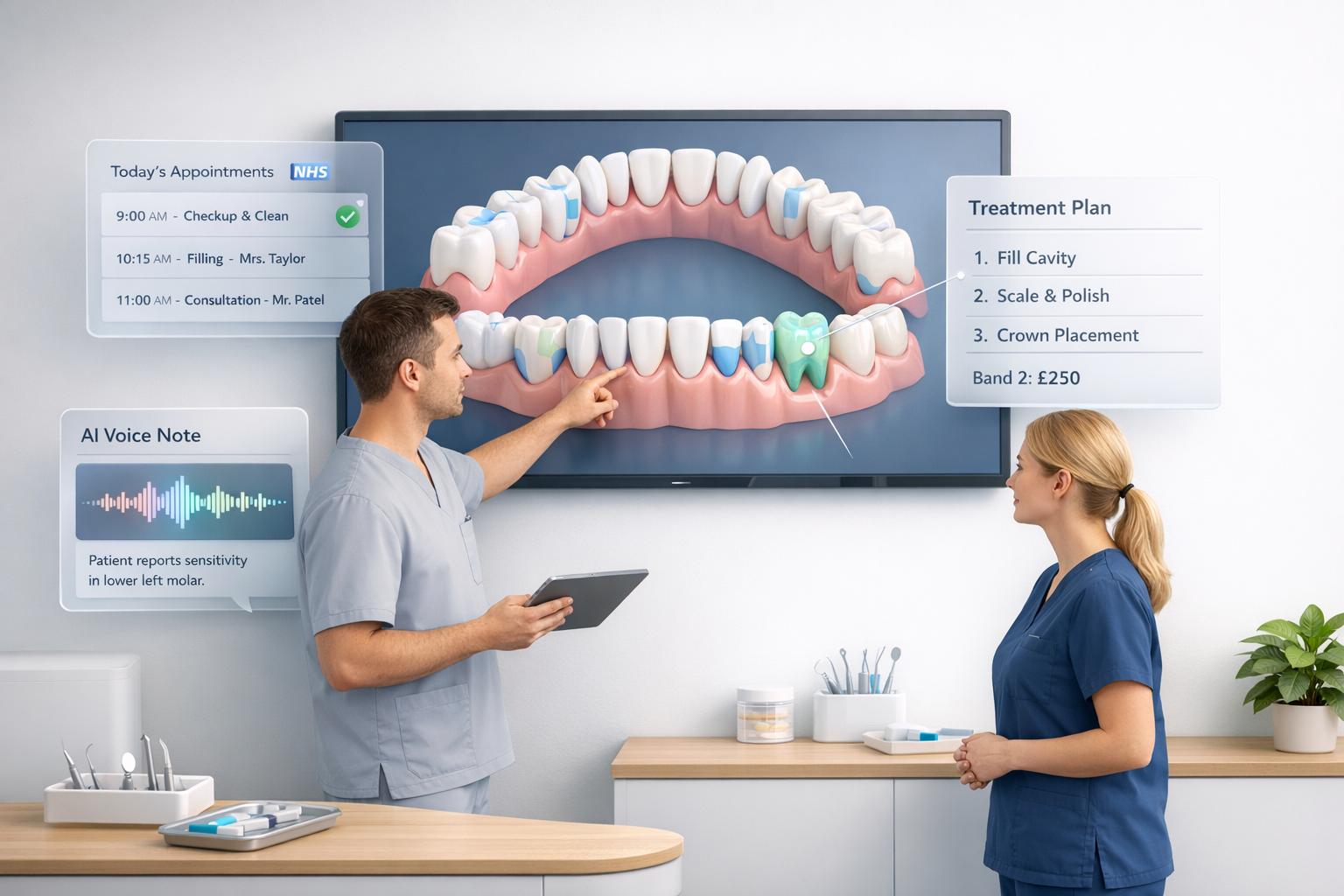
Some advanced platforms go further, offering features like 3D charting for visual treatment planning, AI-powered clinical notes that convert voice recordings into structured documentation, and dashboards for tracking performance metrics such as treatment acceptance rates and revenue [1][3]. For instance, CareStack provides UK practices with 2,000 free SMS messages each month to help reduce no-show rates [2].
Features Built for UK Dental Practices
In addition to standard features, UK-specific requirements influence the design of many systems. For NHS practices, essential tools include automated FP17 form submissions, UDA tracking to monitor contract performance, and NHS number lookups to prevent billing errors [6]. Mixed practices serving both NHS and private patients benefit from features that clearly separate accounts and billing workflows, avoiding operational confusion.
Compliance is critical. UK-based software must store patient data on secure servers within the country, use enterprise-grade encryption, and provide detailed audit logs to track who accessed records and when. Systems should also generate CQC-ready reports with minimal effort [7][8].
Dr. Kunal Patel from Love Teeth Dental explained why he chose Dentally: it “aligned perfectly with our vision; cloud-based, intuitive and built for modern practices, rather than legacy workflows” [3].
Some platforms, like Remedico, offer unique tools like Patient Flow™ to monitor every step of a patient’s journey - from their first visit to follow-ups - and Dentaverse®, which uses VR/AR technology for treatment presentations. These features not only enhance efficiency but also help build trust and improve treatment acceptance [1].
The table below outlines how these features address the challenges of managing both NHS and private workflows:
Feature Category | Specific UK/NHS Functionality |
|---|---|
NHS Compliance | Automated FP17 forms, UDA tracking, NHS number lookup [6] |
Clinical Tools | BPE scoring, 3D charting, integrated digital X-rays [1][6] |
Administration | Mixed-mode billing (NHS/Private), Referral management [4][6] |
Data Security | UK GDPR-compliant cloud storage, automated backups [2] |
Patient Experience | Online booking, WhatsApp/SMS reminders, digital consent [2][1] |
How Cloud Dental Software in the UK Changes Daily Clinic Operations
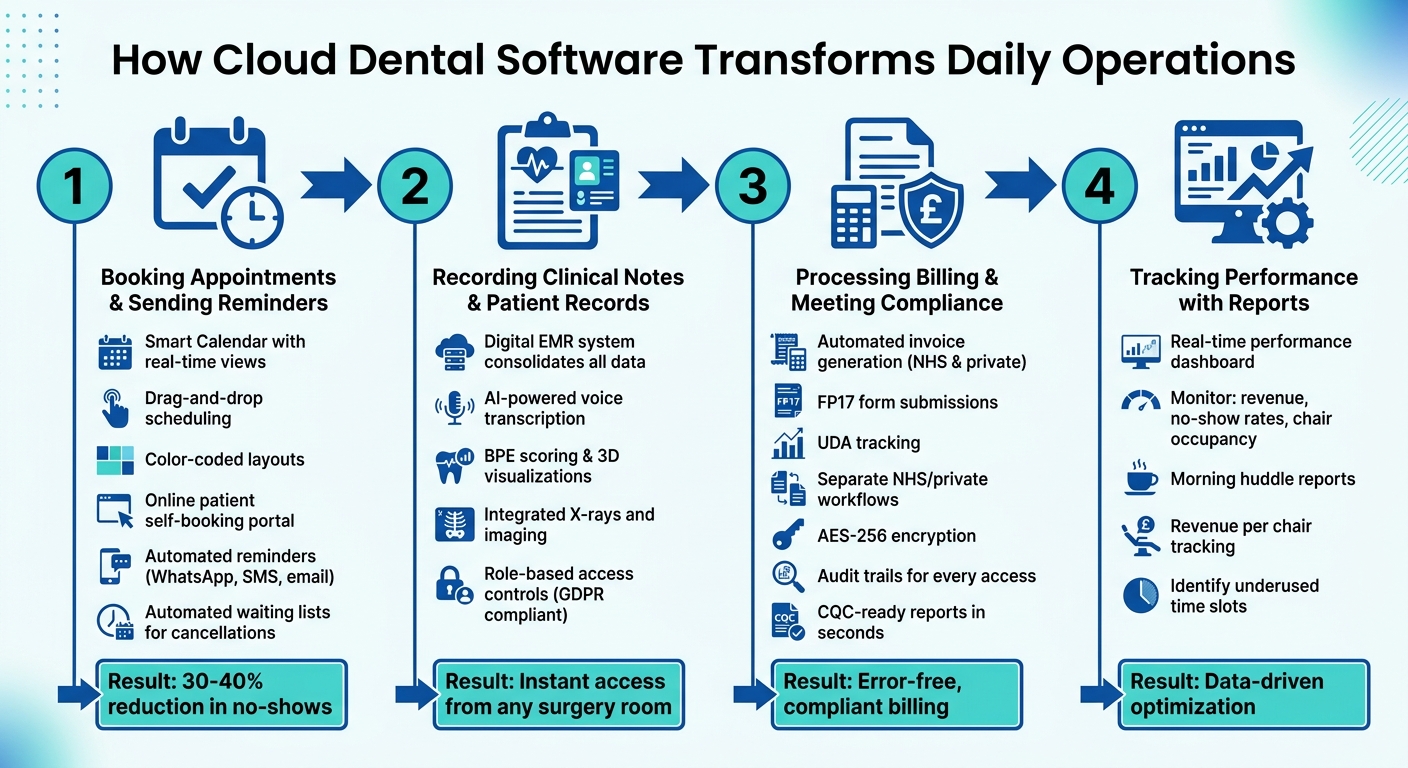
@figure {How Cloud Dental Software Transforms Daily Clinic Operations in 4 Steps} :::
Cloud dental software simplifies the chaos of physical files and manual processes by uniting everything under one system. It allows staff to log in from any device, access patient records instantly, and manage schedules seamlessly - all without juggling multiple programmes. Here’s how it transforms four essential daily tasks in dental practices.
Step 1: Booking Appointments and Sending Reminders
A centralised Smart Calendar revolutionises appointment scheduling. With real-time views of all chairs, dentists, and equipment, receptionists can easily drag and drop appointments, using colour-coded layouts to distinguish between quick consultations and longer treatments.
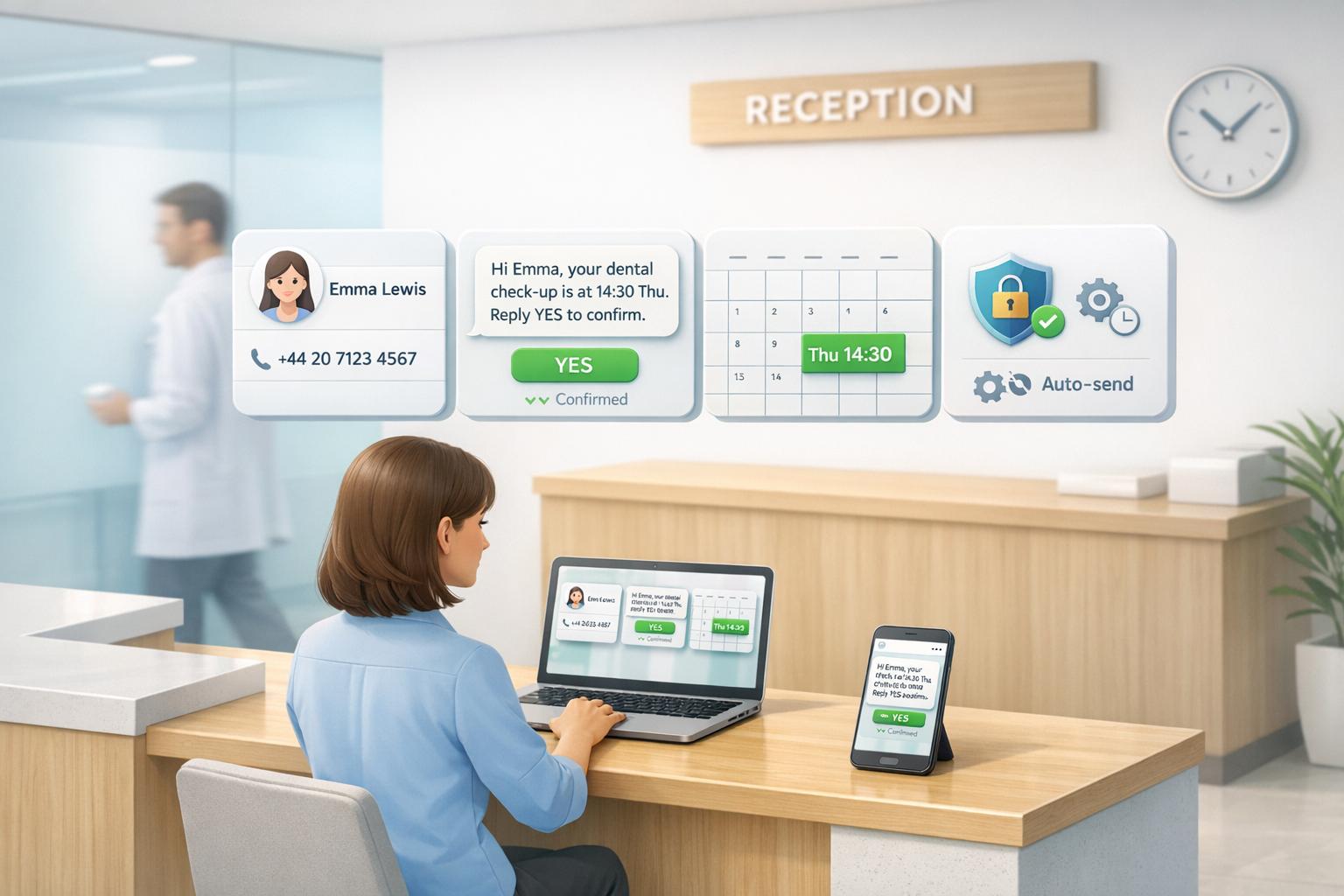
Patients can self-book through an online portal linked to the EMR, removing the need for manual data entry. Once booked, the system handles confirmations and reminders automatically, sending messages via WhatsApp, SMS, or email. If a patient cancels, automated waiting lists fill the empty slots, ensuring no resources go to waste. Smart scheduling and reminders can cut no-show rates by 30–40%, helping clinics avoid lost revenue and idle time.
Step 2: Recording Clinical Notes and Patient Records
Patient records are updated during or right after appointments using the EMR system. These digital charts consolidate treatment histories, X-rays, and notes into one easily accessible location. Dentists can review a patient’s complete history from any surgery room, saving time and improving accuracy.
AI-powered voice transcription transforms spoken notes into organised documentation, reducing the admin burden. Features like BPE scoring, 3D visualisations, and integrated imaging tools enhance charting efficiency. With role-based access controls, only authorised staff can view sensitive data, ensuring compliance with UK GDPR standards. This system also simplifies information retrieval during CQC inspections.
Step 3: Processing Billing and Meeting Compliance
Once clinical records are updated, billing becomes straightforward and compliant.
The software generates invoices automatically for both NHS and private treatments. For NHS work, it handles FP17 form submissions and tracks UDA allocations, preventing contract overruns. Mixed practices benefit from workflows that clearly separate NHS and private accounts, reducing errors and confusion.
To ensure data security, patient information is protected with AES-256 encryption at rest and TLS 1.2+ during transmission. Audit trails log every record access and modification, supporting accountability and compliance with Subject Access Requests (SARs). Additionally, practices can create CQC-ready reports in seconds, eliminating hours of manual preparation.
Step 4: Tracking Performance with Reports
Beyond administrative efficiency, cloud software provides real-time insights to help clinics optimise operations.
Practice owners can monitor key metrics like revenue, no-show rates, and chair occupancy through a centralised performance dashboard. Morning huddle reports offer a quick overview of the day’s schedule, highlighting unscheduled treatments and specific patient needs to streamline daily planning. Revenue per chair tracking pinpoints underused surgery rooms or time slots, guiding adjustments or marketing efforts.
“Dental practice management software is the core platform that runs the business and clinical operations of a dental practice. It centralizes patient information and supports day-to-day workflows so teams can… analyze performance from one place.” - Kay Saleh, Chief Technology Officer, Oryx
Real Example: Switching to Paperless Dental Practice Software in a UK Clinic
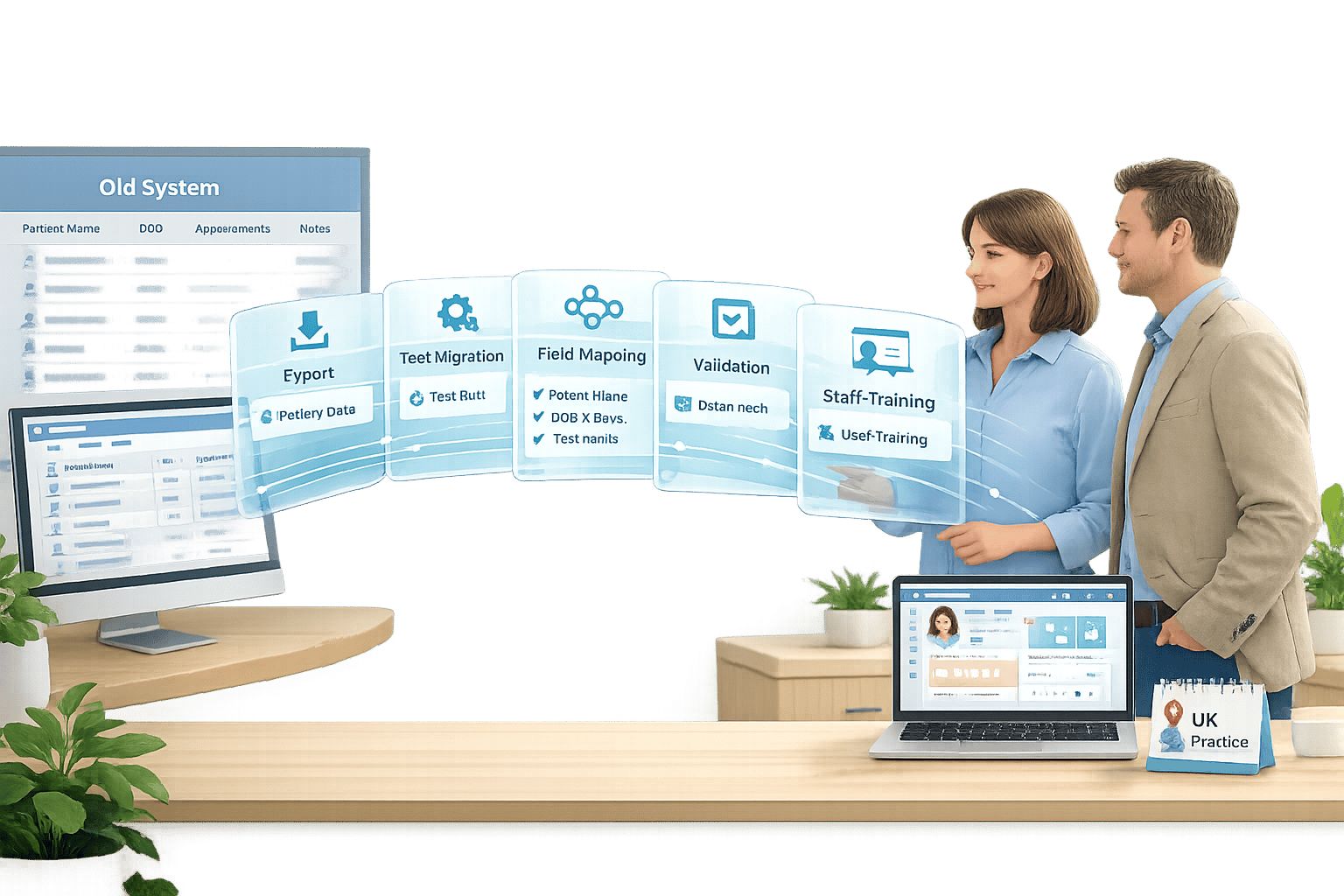
Dealing with the paperwork overload mentioned earlier, this case study showcases how a UK dental clinic successfully transitioned to a digital system. While moving from paper charts to digital workflows might sound straightforward, it requires detailed planning to get it right. The process kicks off with process mapping - pinpointing where manual tasks cause delays, like duplicate patient forms or incomplete contact details. Before picking the right software, practices need to tidy up their data by removing duplicates, updating outdated information, and ensuring medical terminology is consistent (e.g., standardising terms like “BloodPressure_mmHg” across all records).
A pilot migration is key to spotting and fixing formatting issues early. Testing with a small set of records helps uncover any incompatibilities with legacy systems, often cutting implementation time to just a week. This careful preparation lays the groundwork for a smooth transition. Staff training is tailored to specific roles: office managers might need a longer 12-week programme, while dental assistants can complete a shorter 4-week course. Appointing “super-users” as mentors and holding daily 10-minute team check-ins ensures everyone stays on the same page during the switch.
Between 2023 and 2024, Dental Care Alliance (DCA) - a network of over 400 practices - successfully integrated their Denticon practice management software with the Zocdoc platform. The results were striking: a 750% increase in new patient bookings within a year. By December 2024, bookings rose by 98% compared to the previous year, with 90% of these patients being high-intent, commercially insured individuals. Even better, 80% of these patients rebooked with the same provider [5].
Results from Going Paperless
By following these steps, practices can achieve noticeable efficiency improvements. Unlike outdated paper-based systems that slow progress, digital workflows deliver clear, measurable benefits:
- 40% reduction in administrative errors [9]
- 20–24 hours saved monthly for reception staff [9]
- 9–10 hours saved monthly with digital consent forms and e-signatures [9]
- 1.9% no-show rate thanks to automated SMS or WhatsApp reminders [1]
- 25% improvement in scheduling efficiency
“Remedico has changed care delivery. Every doctor now manages daily admin tasks - from updating diagnostics to explaining treatment plans and invoicing - directly.” Dr. Saghi Helmi, General & Cosmetic Dentist, Vilafortuny Clinic [9]
How Remedico Supports Paperless Workflows
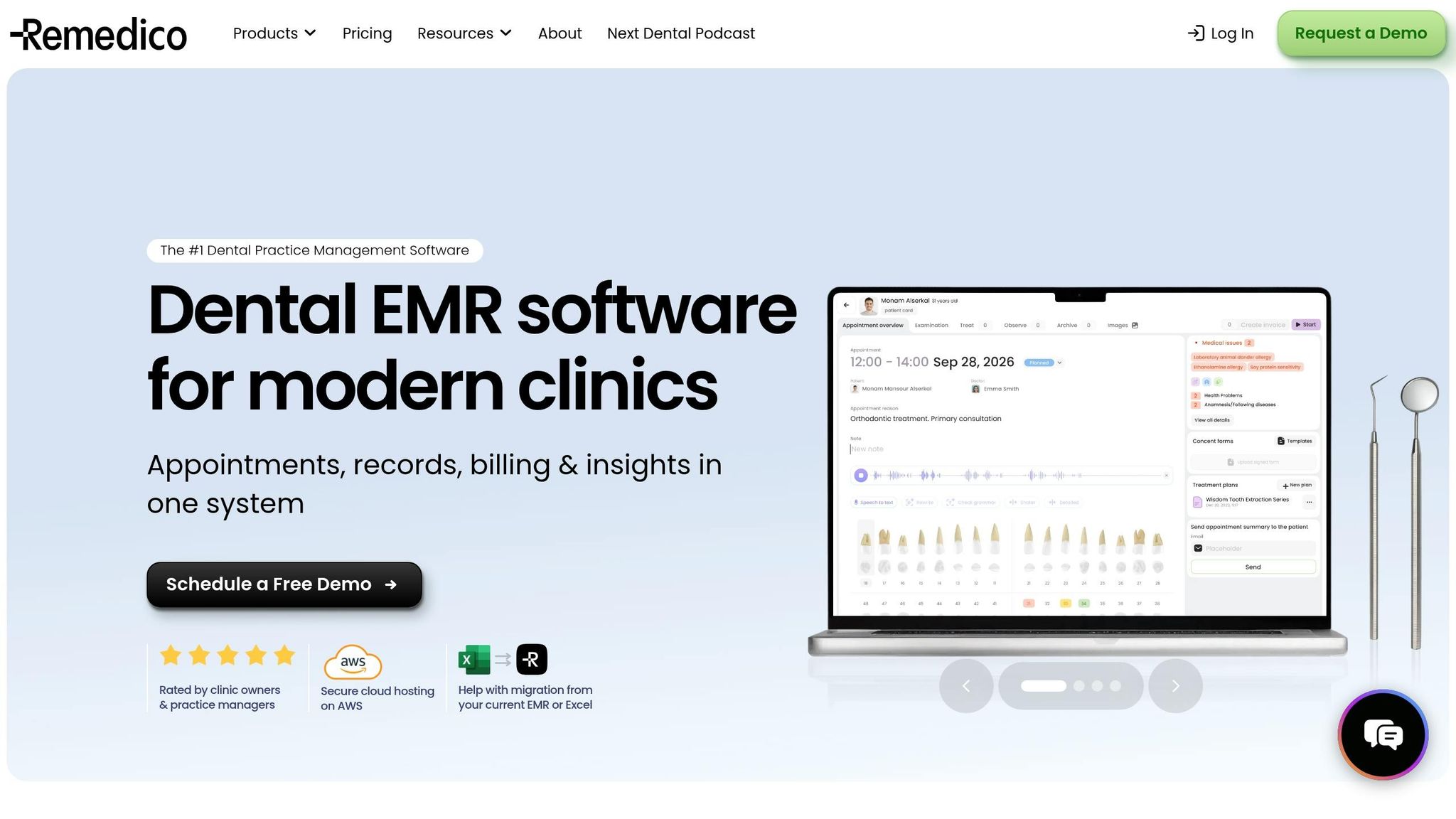
Building on these advancements, Remedico equips clinics with tools designed to streamline paperless workflows. For example, Patient Flow™ simplifies the patient journey, starting with digital intake forms that patients can complete on their phones. These forms integrate seamlessly with chairside updates, accessible to both dentists and the front desk. The Smart Calendar offers a real-time view of all providers and chairs, making it easy for receptionists to spot schedule gaps and handle walk-ins with drag-and-drop ease. Additionally, RemedicoGPT™ takes care of paperwork and clinical notes through AI-powered voice transcription, saving even more time for dental teams.
Key Takeaways
Using dental practice management software can streamline nearly every aspect of running a clinic.
With everything centralised - appointments, patient records, billing, and reporting - this software replaces outdated methods like Excel spreadsheets and paper files. For UK clinics, it’s tailored to meet specific needs, such as handling NHS claims, complying with regional requirements like HSC integration in Northern Ireland, and ensuring GDPR-compliant data storage within the UK [1][3].
Many practices report saving significant time and reducing errors thanks to features like automated reminders and integrated billing systems. Tools powered by AI, such as voice-to-text for clinical notes, minimise the need for manual typing. Additionally, 3D charting allows dentists to keep detailed and accurate records without adding to their administrative burden.
Patient convenience is another major advantage. Online booking pages, pre-visit intake forms, and visual treatment plans enhance the patient experience. Some clinics even offer AI-powered home care tools to help patients monitor their health between visits. In fact, over 80% of dental patients who used online booking platforms rebooked with the same provider in 2024 [5]. The software also boosts clinic efficiency by filling last-minute schedule gaps with smart calendar tools and short-notice filler features, helping to reduce wasted chair time.
When it comes to compliance and data security, the software keeps clinics prepared for inspections. Features like enterprise-grade encryption, secure AWS hosting, and automated audit trails ensure patient data is protected and regulatory requirements are met [7]. Additionally, Remedico’s 4.9/5 rating from clinic owners highlights how it helps reduce admin work and supports paperless workflows [1].
By digitising consents, forms, and files, clinics can eliminate paper entirely. This not only cuts storage costs but also speeds up record retrieval and simplifies managing multiple locations with real-time, centralised data access.
For modern UK dental clinics, this software has become an indispensable tool for improving operations and patient care.
FAQs
How long does it take to switch from paper to cloud software?
Switching to cloud-based dental software in the UK typically takes between one and two weeks. This period includes essential steps like data migration, staff training, and system setup, all aimed at minimising disruptions to the clinic’s operations. While some practices manage to complete the transition in just a few days with proper preparation and support, allocating two weeks provides extra time for a smooth and accurate switch. The process involves transferring data, ensuring staff are comfortable with the new system, and conducting thorough testing to confirm everything runs as expected. :::
Will it work for mixed NHS and private dental practices?
Dental practice management software in the UK, such as Remedico, is tailored to meet the needs of practices that operate under both NHS and private frameworks. It includes features like multi-site management and real-time updates, while ensuring adherence to UK regulations. This makes it an effective solution for handling the complexities of mixed operations. :::
What should I check for GDPR and CQC compliance?
To ensure compliance with GDPR and CQC in a UK dental practice, prioritise robust data security, precise record-keeping, and reliable audit trails. Choose software that provides GDPR-compliant features such as secure data storage, encryption, and restricted access for authorised users only. For CQC requirements, opt for tools that clearly document clinical procedures and patient interactions, ensuring transparency and traceability.
Regularly assess your software’s compliance capabilities and provide staff with ongoing training on data protection policies. This not only helps maintain adherence but also ensures your team is prepared for inspections. :::